What photo works for a Bby Wow Guy AI video?
Updated:
Short answer
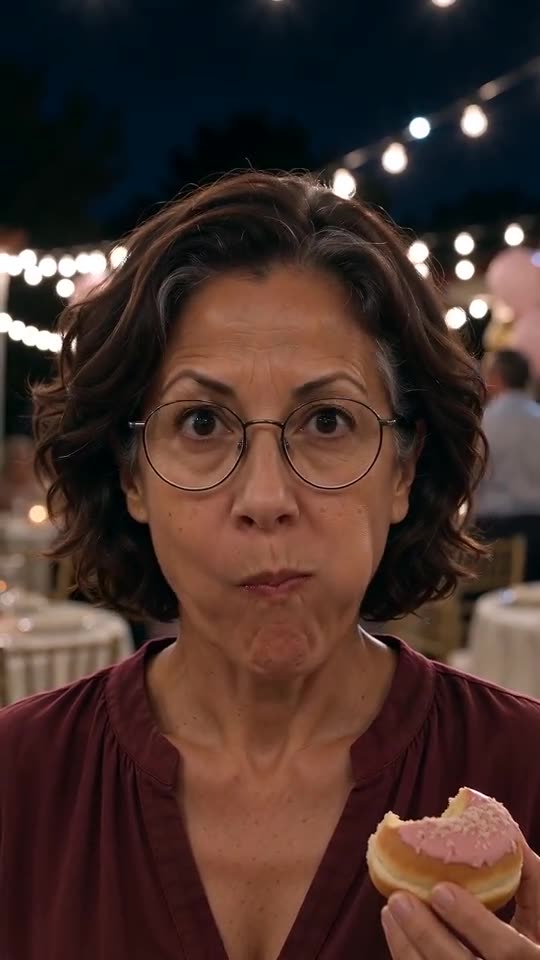
Use one clear photo of the dancer: you, a friend or a pet, with the face visible and facing the camera. JPG, PNG or WebP up to 10 MB, between 300 and 6000 pixels on each side. Blurry, masked or group photos give the weakest results.
Technical limits
- File type: JPG, PNG or WebP.
- File size: up to 10 MB.
- Dimensions: more than 300 and fewer than 6000 pixels on each side.
- Shape: a width-to-height ratio between 0.4 and 2.5, so no extreme panoramas or strips.
- Only one photo is needed, and it must show one subject.
Photos that look best
- Even light and a sharp face.
- Head and shoulders or upper body, with eyes and mouth visible.
- A plain or uncluttered background.
- For pets, a close, front-facing shot at eye level.
- For toys and drawings, a clear shot of the whole figure.
Photos to avoid
- Group shots, because the model may pick the wrong face.
- Sunglasses, masks, hands over the face or heavy beauty filters.
- Screenshots with buttons or captions across the picture.
- Frames from the original clip, celebrities and famous copyrighted characters.
Rules about people
Upload only photos of yourself, of adults who agreed, or of pets, toys and drawings you own. Celebrities, minors and adult content are not allowed. Read Photo Consent and Acceptable Use first. Photos are deleted automatically 14 days after upload.
Questions people ask
Can I use a selfie?
Yes. A sharp, well-lit selfie works well, as long as the whole face is visible and not cropped at the edges.
What happens if my photo is rejected?
A message under the upload box names the problem, such as size, format or shape. Fix it and upload again. Nothing is charged for a rejected photo.
Does the photo need to show a bun or a party?
No. The party hall and the bun are generated. A plain photo of the face gives the cleanest result.
Make your own Bby Wow Guy video
Upload one photo and try a free 5-second preview. No subscription, no watermark.
Make my video