Hit the Road Dude AI video: the lines are missing or wrong, how do I fix it?
Updated:
Short answer
The template asks for four spoken lines in a set order, but an AI video model can drop, blur or change a word, especially in a short clip. Run the free 5-second preview first, try a clearer front-facing photo, and run again if needed. Every run is a new result.
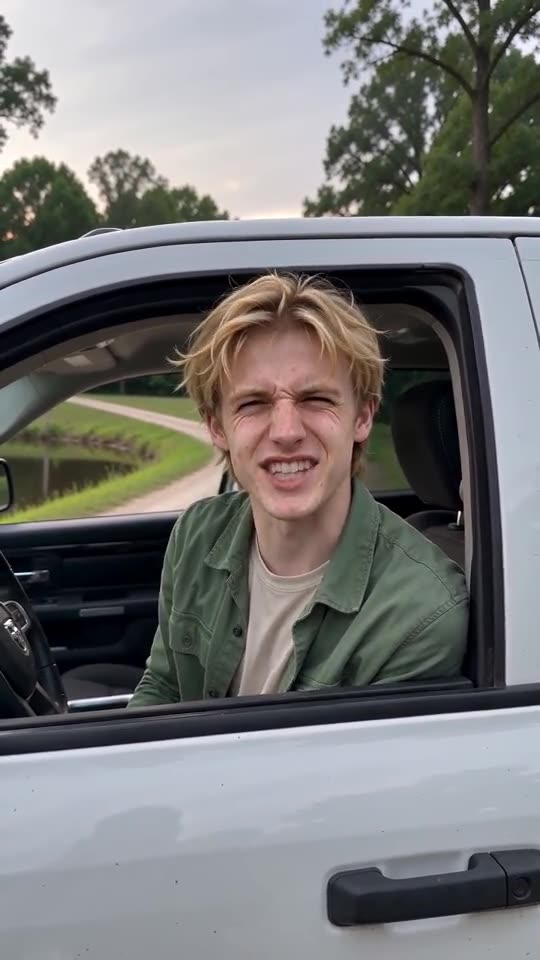
The lines you should hear
- “Who said you could fish here?” from the Driver.
- “I thought this was state property.” from an off-camera voice.
- “State?” from the Driver, in disbelief.
- “Hit the road, dude.” from the Driver, firmly.
What to try
- Run again. Each run is a new result, and one run is often closer than another.
- Use a sharper photo with the face large in the frame, so the model has a clear mouth to animate.
- Remember that the 5-second preview squeezes the lines, while the 10-second video has more room.
- Still wrong? Email support@mimiczip.com with the video link.
Questions people ask
Can I change or add lines?
No. The four lines are part of the fixed template, and the site has no text box for them.
Is a missing line a failed video?
No. Only a run that never finishes counts as failed, and its credits come back by themselves. A finished video with a slipped line is a normal result.
Why is the second voice different?
It is a separate generated voice for the off-camera angler, so it will not match the Driver’s voice.
Make your own Hit the Road Dude AI video
Upload one photo and try a free 5-second preview. No subscription, no watermark.
Make my video