Hit the Road Dude AI video: the truck looks wrong, how do I fix it?
Updated:
Short answer
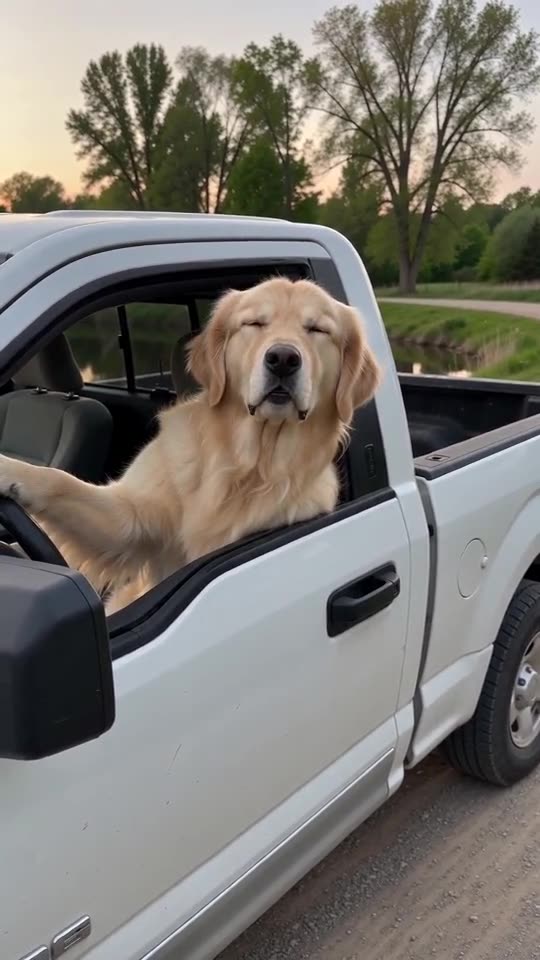
The scene asks for a plain white pickup with no badges, logos or readable plate, but a model can still add odd shapes or garbled marks. Use a Driver photo with no vehicle, sign or text in it, run the free 5-second preview, and try again if needed. A finished video with an odd truck still counts as a normal result.
Common causes
- Vehicles in your photo: the model may carry the car from your photo into the scene.
- Text and logos in the picture: signs and shirts with print can leak into the truck.
- Fast detail: small parts such as mirrors and handles can blur or change.
What to try
Retake the photo with a plain background and nothing printed in the frame, then run the preview again. If the truck still looks odd, a new run often fixes it, because each run is different.
Questions people ask
Can I choose the truck?
No. The scene is fixed, and the truck is part of it. You choose only the photo and the format.
Why is there no logo on the truck?
The scene asks for a generic truck with no badges and no readable plate.
Is a strange truck a failed video?
No. Failed videos are the ones that do not finish, and those are refunded on their own.
Make your own Hit the Road Dude AI video
Upload one photo and try a free 5-second preview. No subscription, no watermark.
Make my video