Smalltown Boy AI video: both characters look the same, how do I fix it?
Updated:
Short answer
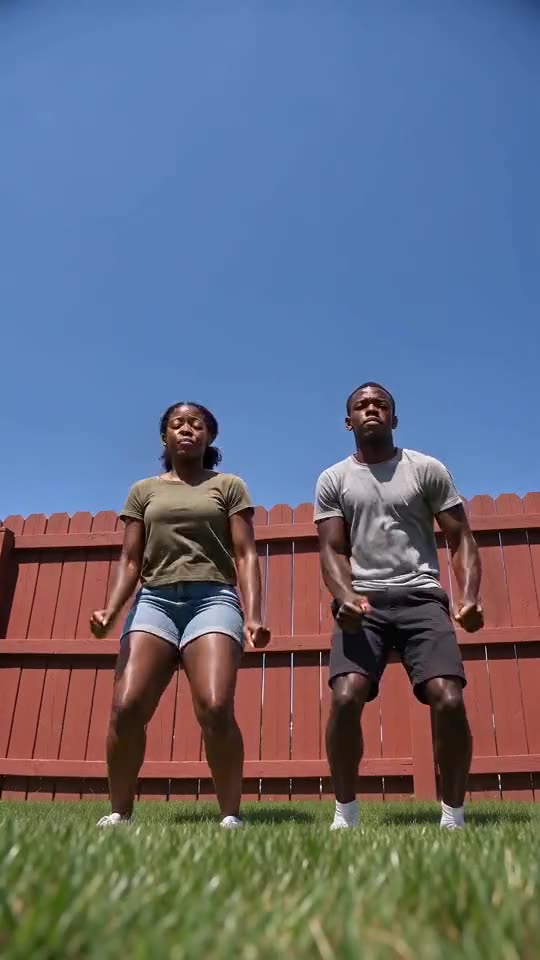
The model can blend two subjects that look alike. Use two clearly different photos, such as a ginger cat and a grey cat, or two people in different clothes and backgrounds, never the same photo twice. Then run the free 5-second preview to check before spending credits.
Common causes
- Same photo in both boxes: the model has nothing to tell them apart.
- Similar colours: two black cats on a dark sofa are hard to separate.
- Two subjects in one photo: the model may copy the wrong one into both roles.
- Very small subjects: far from the lens, both look like blobs.
What to try
- Use two different photos, each with one subject.
- Pick photos with different backgrounds.
- Show each subject large in the frame, facing the camera.
- Run the preview again before the full render.
Questions people ask
Can I use the same photo for both?
It is better not to. Both would look identical, and the model may merge them.
Is a merged look a failed video?
No. A failed video is one that did not finish, and its credits return on their own. A finished video with alike characters is a normal result.
Do different breeds help?
Yes. Clearly different colours and shapes make the two easy to tell apart.
Make your own Smalltown Boy AI dance
Upload two photos and try a free 5-second preview. No subscription, no watermark.
Make my video