Toc Toc dance AI video: the legs or feet look wrong, how do I fix it?
Updated:
Short answer
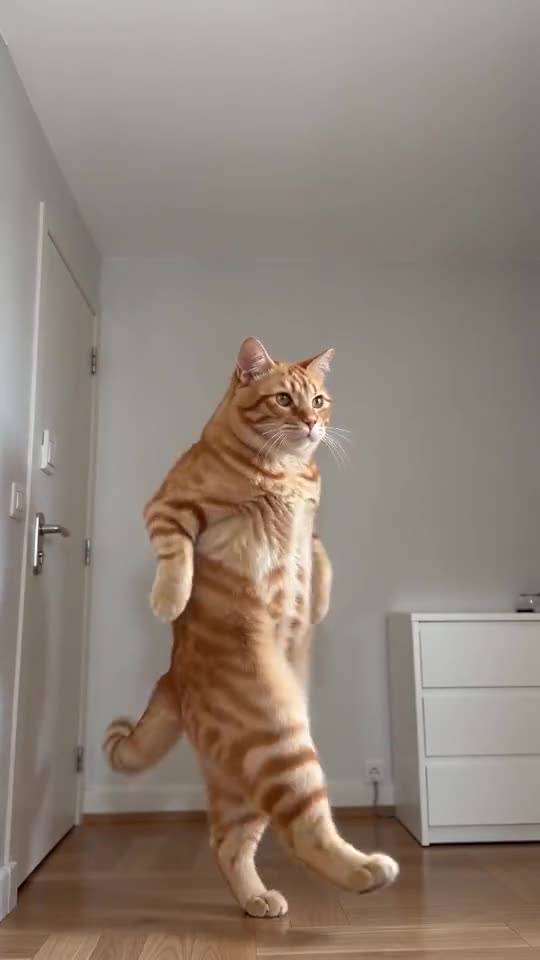
Legs can blur, merge or grow an extra foot, because fast hops, heel kicks and turns are hard for video models. Use a photo where the legs and shoes are easy to see, avoid very long coats, run the free 5-second preview, and try again if needed. An odd leg still counts as a normal result.
Common causes
- Fast footwork: the hops and heel kicks move quickly, and small errors show.
- Long or loose clothes: a long coat or wide trousers hide the legs, so the model has more to guess.
- Cropped photos: if the legs are out of the picture, the model invents them.
- Pets: four-legged animals on two legs are a stretch for any model, and results vary more.
What to try
Use a photo that shows the whole figure from head to feet, then run the preview again. If the legs still look off, a new run often fixes it, because each run is different. The free redo page explains what a second run costs.
Questions people ask
Can I choose another outfit?
Not on the site. The outfit comes from your photo, so use a photo in clothes that show the legs and shoes clearly.
Is a strange leg a failed video?
No. Failed videos are the ones that do not finish, and those are refunded on their own. An odd leg in a finished video is a normal result.
Does the free preview show the same problem?
Often, yes, because it runs the same moves faster. If the preview looks fine, the full video usually does too, but it is never guaranteed.
Make your own Toc Toc dance video
Upload one photo and try a free 5-second preview. No subscription, and the full video has no watermark.
Make my video