What photos work for an Alors on Danse AI video?
Updated:
Short answer
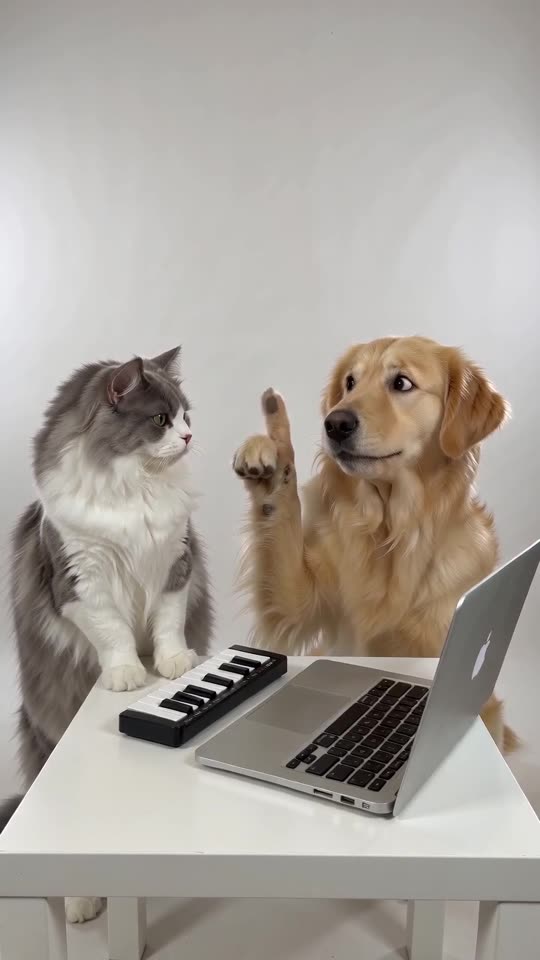
Use two clear photos, one per role: the Player and the Hype partner. Each shows a single person, pet, toy or drawn character, facing the camera in good light. Files must be JPG, PNG or WebP, up to 10 MB, with each side between 300 and 6000 pixels.
File rules
- JPG, PNG or WebP, up to 10 MB each.
- Each side between 300 and 6000 pixels.
- Width-to-height ratio between 0.4 and 2.5.
- Both photos are required.
What makes a good photo
- One subject per photo, facing the camera.
- Good light and a sharp face; no sunglasses or masks.
- Upper body visible helps, because the Player uses their hands on the keys.
- Two different subjects are easier to tell apart than two lookalikes.
Who you may upload
Only adults who agreed, your own pets, or toys and drawn characters you own. No celebrities, famous characters or minors. See the photo consent rules and the acceptable use policy.
Which photo goes where
The first box is the Player, who stays calm at the keyboard. The second is the Hype partner, who points, beatboxes and cheers. The Swap photos button trades them.
Questions people ask
Can I use a group photo?
No. Each box needs one subject. Crop a group photo down to one person or pet first.
Do the photos need a white background?
No. The studio is generated, so any background works as long as the subject is clear.
How long are my photos kept?
They are stored privately and deleted automatically 14 days after upload.
Make your own Alors on Danse AI video
Upload two photos and try a free 5-second preview. No subscription, and the full video has no watermark.
Make my video