I Wanna Love You AI video: why did the face change, and how do I fix it?
Updated:
Short answer
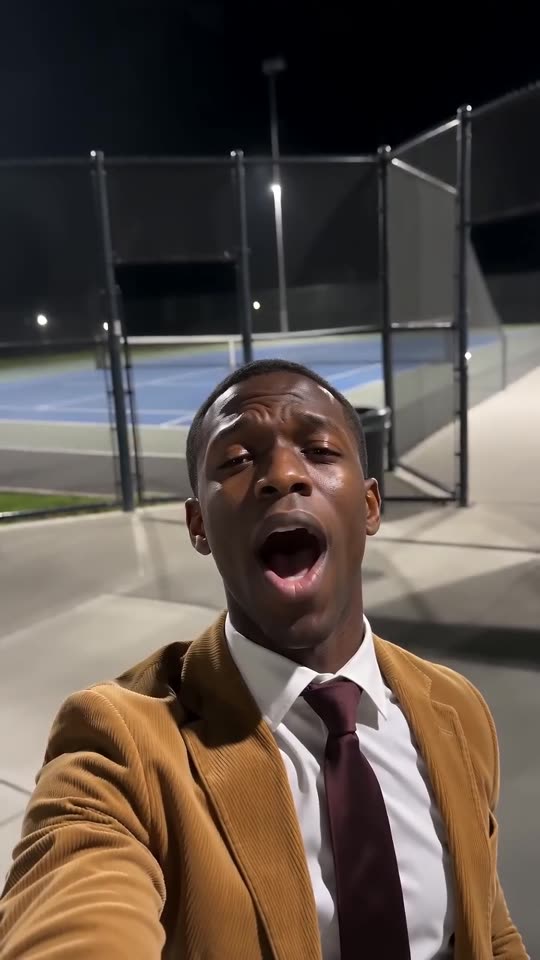
Faces drift when the model cannot see the face clearly, and this trend’s low selfie angle and wide-open singing mouth stretch it further. Use a sharp, well-lit, front-facing photo where the face fills a third of the frame, remove sunglasses and heavy filters, then run the free 5-second preview again before spending credits.
Common causes
- Small face: in a full-body or group photo the face has too few pixels.
- Heavy filters or beauty apps: the model sees a face that does not match your real one.
- Side-on or dark photos: with half a face visible, the model guesses the rest.
- Wide-open mouth and low angle: belting a note from below changes the face shape for a moment. That is part of the look, and it should settle again.
A quick fix routine
- Pick a new photo that follows the photo guide.
- Run the free preview and compare the face with your photo.
- Only then render the full video, because each full render costs 1 credit.
- Still wrong? Email support@mimiczip.com with the video link.
Questions people ask
Is a changed face a failed video?
No. A failed video is one that did not finish, and its credits return on their own. A finished video with a different face counts as a normal result.
My cat came out a different colour. Why?
Dark or yellow light changes how fur looks to the model. A photo in daylight shows the real colours and markings best.
Can I upload several photos of the same subject?
No. The template takes one photo, so choose the clearest one.
Make your own I Wanna Love You video
Upload one photo and try a free 5-second preview. No subscription, and the full video has no watermark.
Make my video