Talk Dirty AI video: the moves do not match the sound, how do I fix it?
Updated:
Short answer
Most drift comes from the sound, not the video. Use the original sound of the @avecmoi411 clip, which our video follows, and keep it starting at 0 seconds. The studio song entry has different timing. Every run is generated fresh, so a few frames of drift are normal.
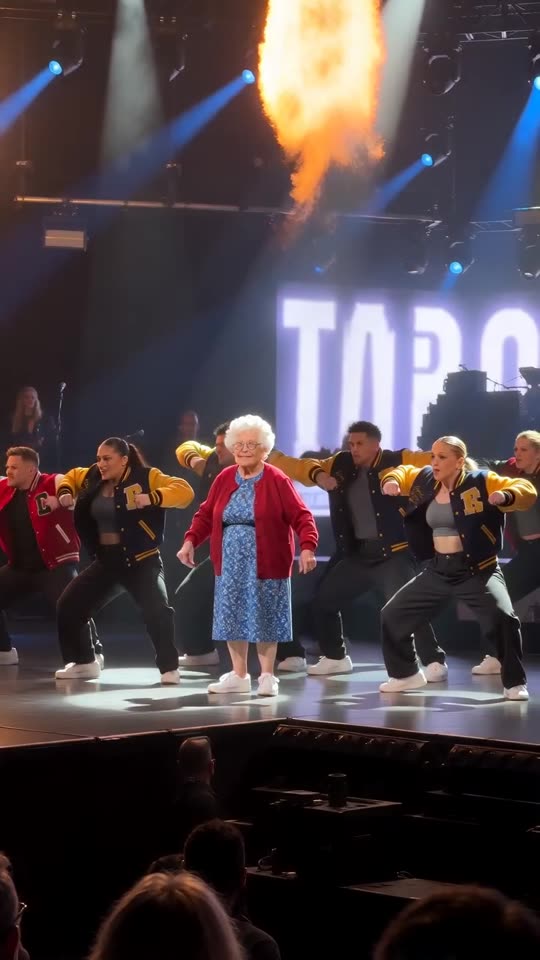
Fix it in the editor
- Use the 15-second full video, not the preview.
- Use the sound from the @avecmoi411 clip.
- Start the sound at 0 seconds.
- Mute or lower the video’s own audio.
Why it drifts
The video follows the viral clip, but the model still invents each move, so a squat or a flame burst can land a few frames early or late.
Questions people ask
Can you redo it for free?
No. A video that rendered correctly is not redone for free. See free redo.
Does the silent download help?
Yes. It leaves only the sound you add.
Make your own Talk Dirty video
Upload one photo and try a free 5-second preview. No subscription, and the full video has no watermark.
Make my video