What photo works for a Stones to Castle video?
Updated:
Short answer
Use one sharp, well-lit photo of a single adult or pet with the face large and clearly visible, because the film has close-ups of the hero and the final window shot. A front-facing photo works best. Avoid group photos, sunglasses, heavy filters and photos of children. JPG, PNG or WebP up to 10 MB.
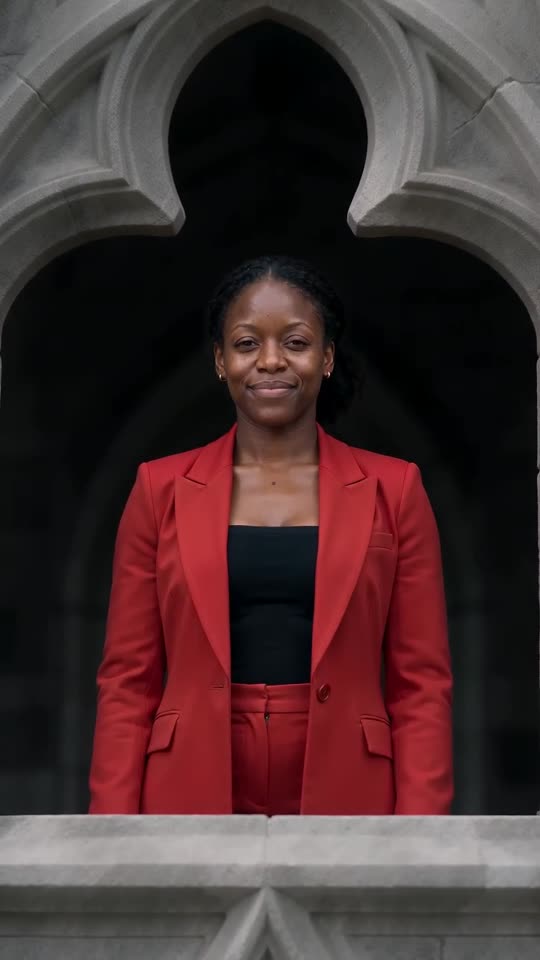
Photos that work
- One subject: a single adult, pet, toy or drawing.
- Face large and visible: looking roughly at the camera.
- Hair or fur clear: good light keeps your colours.
- Plain background: helps the model find the subject.
Photos to avoid
- Babies, children or anyone under 18.
- Group photos, or two pets in one picture.
- Celebrities, famous characters or screenshots of someone else’s clip.
- Sunglasses, masks or strong beauty filters.
Questions people ask
Can I use a selfie?
Yes, if the face is sharp. A photo down to the waist keeps the body closer.
Does the background matter?
Not much. The valley is generated, so any clear photo works.
What size should the photo be?
Between 300 and 6000 pixels on each side, up to 10 MB.
Make your own Stones to Castle video
Upload one photo and try a free 5-second preview. No subscription, and the full video has no watermark.
Make my video