Enchantress prompt for Veo
Updated:
Short answer
Paste the prompt below into Veo with your photo as the starting image, at 9:16. Veo may add its own sound, so download without sound or mute it before adding the trending sound.
Copy this prompt
Image-to-video, 9:16, about 10 seconds.
Reference image 1 is the CHARACTER. Keep their face, eye colour, skin tone, hair colour and hairstyle exactly as in the image; after the transformation it must still be clearly the same person. Adult only.
Setting: a pure black background, a fixed front-facing chest-up portrait shot.
Beat 1 (0 to 2.6 seconds): the CHARACTER, in the clothes from the photo, eyes closed, holds one hand out in front of the chest. A long thin black hand with pointed black claws rises from the bottom of the frame and grips it.
Beat 2 (2.6 to 3 seconds): the black hand pulls the hand toward the lens and the dark arm sweeps across the camera as a wipe.
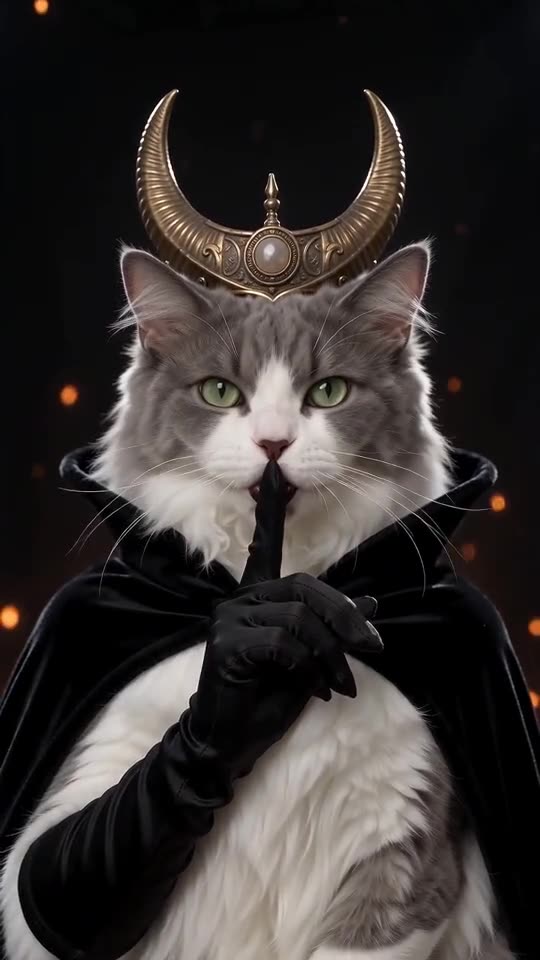
Beat 3 (3 to 5 seconds): reveal: the same person as a moon witch with an antique-gold crescent-moon crown, black lipstick, dark eyeliner, long black satin gloves and a long-sleeved high-necked black gothic gown that covers everything from chin to wrists. Glowing orange embers drift behind.
Beat 4 (5 to 10 seconds): the CHARACTER raises one gloved index finger to the lips in a slow shush and holds it, staring into the lens.
Audio: a dark, mysterious instrumental with a low drone and a deep whoosh at the wipe. No voices, no singing.
Photorealistic, modest clothing, no text, no logos, no watermark.
Tips
- Use a bright, sharp chest-up photo.
- Keep the clip at about 10 seconds.
Questions people ask
Can Veo keep my face?
Often, if the photo is sharp and evenly lit.
Make your own Enchantress transformation
Upload one photo and try a free 5-second preview. No subscription, and the full video has no watermark.
Make my video