Alors on Danse AI vs general AI video tools: which one should I use?
Updated:
Short answer
General AI video tools give you full control: you write the prompt, choose the settings and try again until it works. MimicZip skips that: the Alors on Danse scene is a fixed template timed to the viral clip, so two photos and one click give you the trend. Use a general tool for custom ideas.
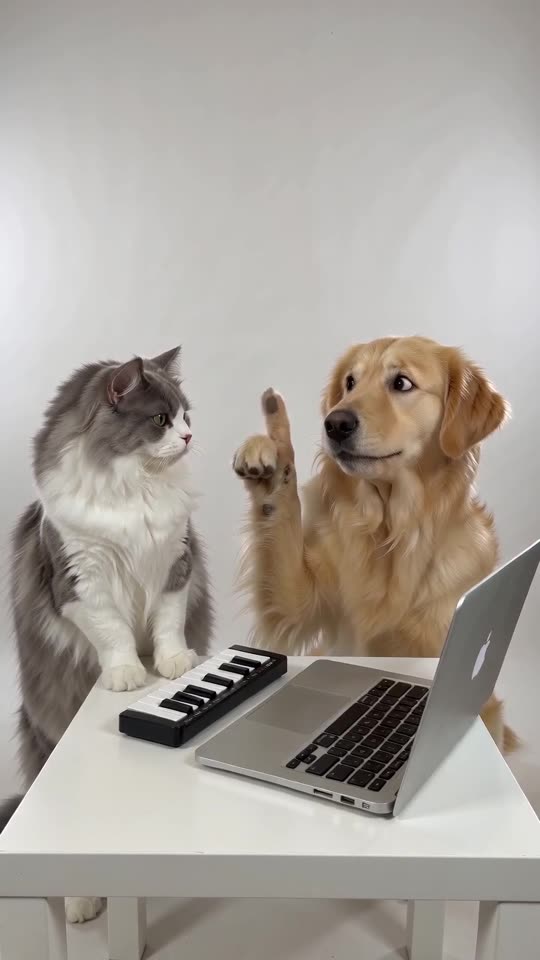
Side by side
- Prompting: general tools need a prompt and often several tries. MimicZip needs none.
- Timing: general tools rarely hit the beat of a trending sound. MimicZip follows the viral clip second by second.
- Two people: keeping two faces apart takes care in general tools. MimicZip has a box per role.
- Cost: general tools use their own plans. MimicZip has a free preview and packs from $9.90.
When a general tool is better
If you want a different room, a different instrument or a longer scene, a general tool gives you that freedom. Our Seedance prompt is a starting point.
Questions people ask
Which model does MimicZip use?
Seedance 2.0 Mini through an API. The site is independent and not affiliated with ByteDance.
Can I change the scene here?
No. The scene is fixed so it matches the trend and the sound.
Is the result better than a general tool?
Not always. It is faster for this one trend, and timed to the sound.
Make your own Alors on Danse AI video
Upload two photos and try a free 5-second preview. No subscription, and the full video has no watermark.
Make my video