Stones to Castle video: the castle or the stones look wrong, what can I do?
Updated:
Short answer
Sometimes the model makes the wall pop up instead of growing, blurs the stones in the fast shots or gives a plainer castle. A clear, front-facing photo of one subject helps the model follow the shots. Check the free 5-second preview first.
What helps
- A sharp photo of one pet or person.
- The face large and turned to the camera.
- A plain background.
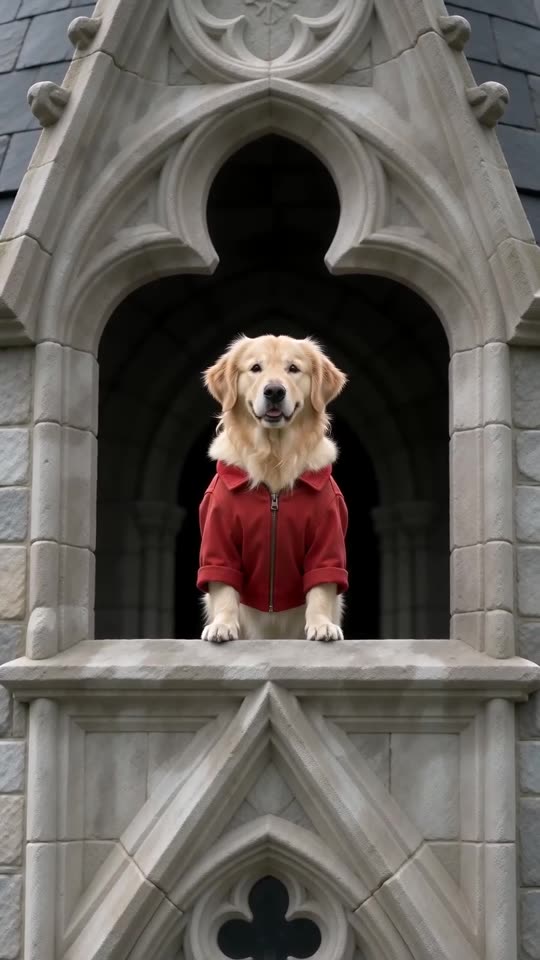
- The default red suit, which matches the reference most closely.
What to expect
Every render is a new AI run, so the castle and the stones change. The shots always come in the same order.
Questions people ask
Is this a failed video?
No. A render that finished is not a failure, so its credit is not returned.
Will my own clothes change the castle?
No. The outfit only changes what the hero wears.
Make your own Stones to Castle video
Upload one photo and try a free 5-second preview. No subscription, and the full video has no watermark.
Make my video