Does the Banana Tree Run AI video line up with the trending sound?
Updated:
Short answer
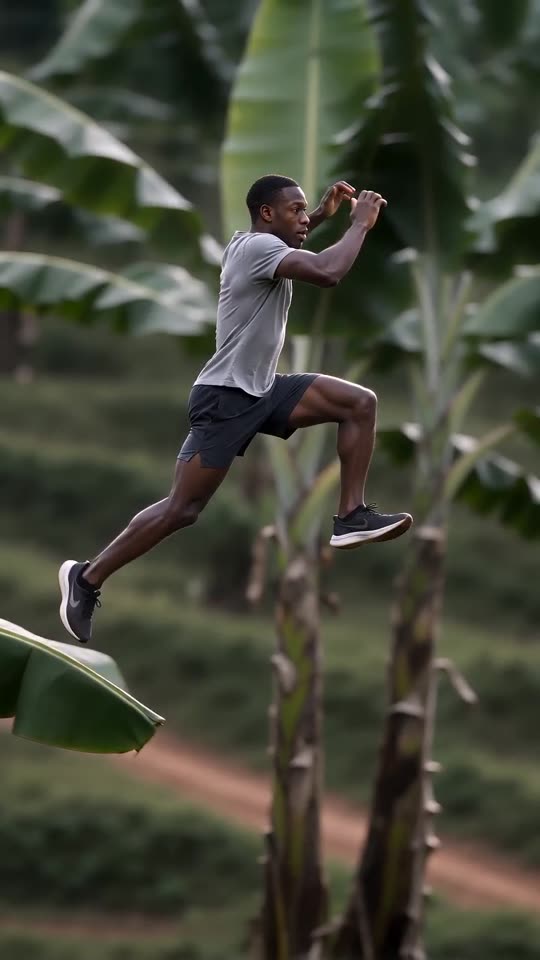
Yes. The video follows the 11-second viral clip second by second, so the sprint and the leaps land where they do in the original. Download it, tap Add sound in TikTok or Reels, pick the trending sound and keep it starting at 0 seconds. A silent download is available if you want only that sound.
How to add the sound
- Download your video, or the silent version, from My videos.
- Open TikTok, start a new post and upload the video.
- Tap Add sound, search the trend or open the sound from a viral clip, and pick it.
- Keep the sound starting at 0 seconds, then turn the video’s own audio down to zero.
Why the sound is not included
The trending sound belongs to the person who uploaded it. Our video carries only a new AI-made instrumental with no words, and you add the trending sound inside TikTok, where it is licensed.
How to add the original sound in TikTok
Our videos come with an AI-made original soundtrack. To use the trending sound instead, add it inside TikTok when you post. You can also download a silent version from My videos and put the original sound on that.
- Open the original video of this trend in TikTok, tap the sound name at the bottom, then tap Use this sound.
- Tap Upload and pick the video you downloaded from us.
- Open Volume and turn the video's own sound down to 0, or download the silent version from My videos.
- To line up the beat, use the scissors (trim) to start the sound from 0 seconds, then post.

Need to move where the sound starts? This short video shows how to trim it.

Video: How To Trim Sound On TikTok 2026 (Very Easy) by Software Solutions on YouTube
Questions people ask
Which sound do people use?
Most clips use the “original sound” attached to the 11-second viral clip. Open that clip in TikTok and tap the sound to use it.
It is a little off. What can I do?
Slide the sound by a fraction of a second in the TikTok editor. See the sync guide.
Does the preview line up too?
No. The 5-second preview runs faster. Only the 11-second video is timed to the sound.
Make your own Banana Tree Run video
Upload one photo and try a free 5-second preview. No subscription, and the full video has no watermark.
Make my video