What photo works for a Ramalama AI video?
Updated:
Short answer
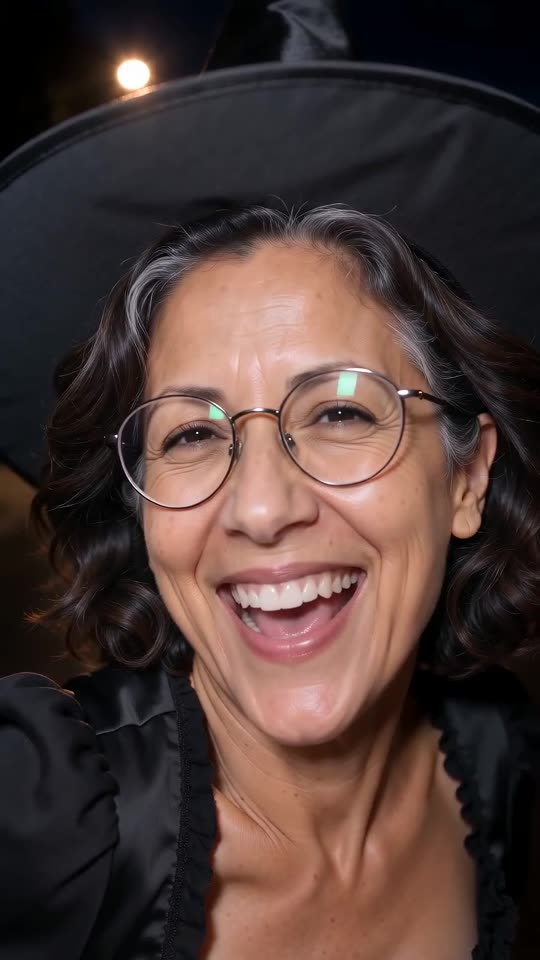
Use one clear photo of the person or pet who gets revealed, with the face visible and turned to the camera. JPG, PNG or WebP, up to 10 MB, 300 to 6000 pixels on each side. A head-and-shoulders photo is enough, because the template draws the costume, legs and shoes.
The rules
- Format: JPG, PNG or WebP.
- Size: up to 10 MB, and between 300 and 6000 pixels on each side.
- Shape: width-to-height ratio between 0.4 and 2.5.
- One subject: a single person or pet. Crop out anyone else.
What makes a good photo
- Face visible: the clip ends on a close-up, so a sharp face matters most.
- Even light: daylight or a bright room, no heavy filters.
- Nothing over the face: no sunglasses, masks or phones.
- Body optional: a portrait works; a full-body photo helps only with the own-clothes option.
Who you can upload
Yourself, an adult who agreed, your own pet, or a toy or drawing you own. Photos of children, celebrities and famous characters are blocked. The photo consent rules have the full list.
If the result looks off
A changed face usually means a small or blurry face in the photo. The face fix lists what to try.
Questions people ask
Can I use a selfie?
Yes, if the face is sharp and the phone does not cover it. Mirror selfies work less well.
Do I need to wear a costume in the photo?
No. The costume is generated. Pick it in the options.
Can I upload a group photo?
No. The walk is solo, so crop the photo to one person or pet.
Make your own Ramalama costume reveal
Upload one photo and watch a free 5-second preview. No subscription, and the full video has no watermark.
Make my video