Ramalama AI video: why did my face change, and how do I fix it?
Updated:
Short answer
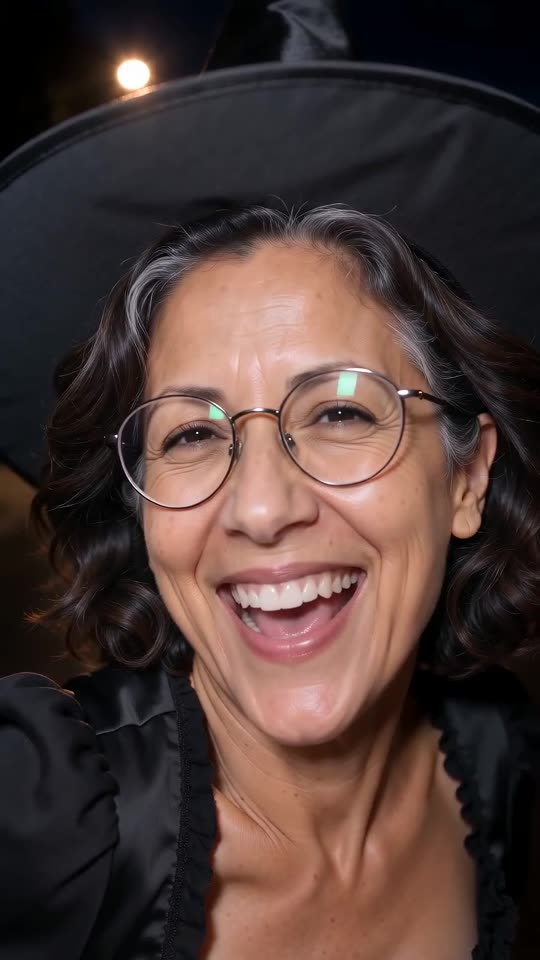
Faces drift when the model cannot see the face clearly. The first seven seconds show only feet, so the face is drawn from your photo at the reveal. A sharp, well-lit, front-facing photo with the face filling a good part of the frame keeps it closest.
Common causes
- Small face: a full-body photo from far away gives the model few pixels to work with.
- Blur or dark light: soft photos lose detail.
- Something over the face: sunglasses, hair, a mask or a hand.
- Strong filters: beauty filters change the face before the model sees it.
What to try
Use a sharp head-and-shoulders photo in daylight, facing the camera. Test it with the free preview before you render the full video. The photo guide has the rules.
Questions people ask
Will the same photo always give the same face?
No. Each run is new, so faces vary a little.
Does the costume change my face?
It should not. Every costume leaves the face uncovered.
Can I get a free redo?
A failed video is refunded automatically. A finished video is not redone for free, so preview first.
Make your own Ramalama costume reveal
Upload one photo and watch a free 5-second preview. No subscription, and the full video has no watermark.
Make my video