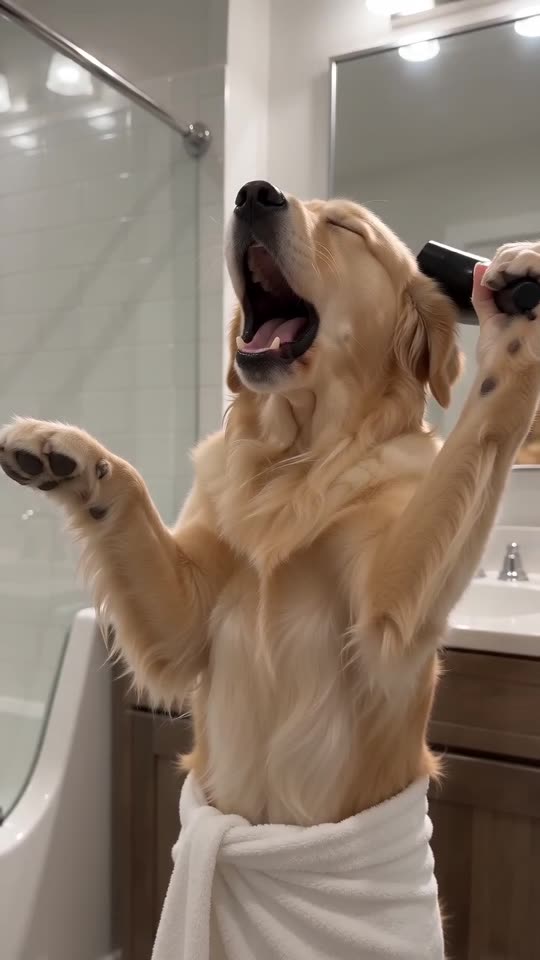
How to make a Singing Pet video with AI
Updated:
Short answer
Upload one photo of your pet, pick a bathroom and run the free 5-second preview. If the face looks right, spend 1 credit on the 10-second video, download it and add the trending sound in TikTok from 0 seconds.
Pick the right photo
- One pet, face big and sharp.
- Eyes open, looking near the camera.
- Daylight or a bright room, no filters.
Line up the sound
Download the silent version, open TikTok, tap Add sound and choose the trend's sound. Start it at 0 seconds; the high notes and the finale already sit on the right beats.
Questions people ask
Do I need to edit anything?
No. The video comes out finished; you only add the sound.
How long does it take?
Usually a few minutes. You can close the tab and find it in My videos.
Make your own Singing Pet video
Upload one pet photo and try a free 5-second preview. No subscription, and the full video has no watermark.
Make my video