How to make a What Stop Sign video with AI
Updated:
Short answer
Upload one photo of your pet, pick a hoodie and run the free 5-second preview. If the face looks right, spend 1 credit on the 11-second video, download it and add the bodycam audio in TikTok from 0 seconds.
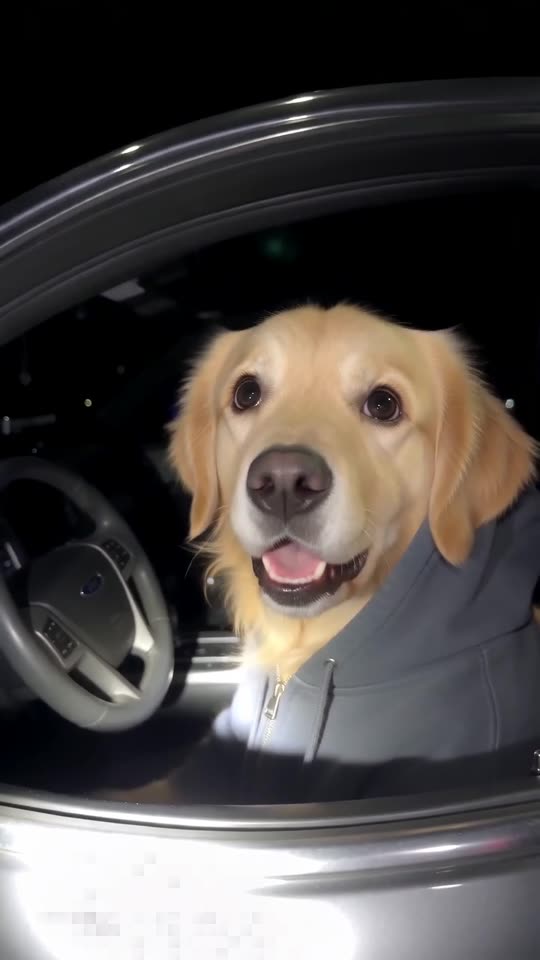
Pick the right photo
- One pet, face big and sharp.
- Eyes open and visible.
- Daylight or a bright room, no filters.
Add the audio
Download the silent version, open TikTok, tap Add sound and choose one of the bodycam audios used by the pet clips. Start it at 0 seconds.
Questions people ask
Do I need to edit anything?
No. The video comes out finished; you only add the audio.
How long does it take?
Usually a few minutes. You can close the tab and find it in My videos.
Make your own What Stop Sign video
Upload one pet photo and try a free 5-second preview. No subscription, and the full video has no watermark.
Make my video