How do I add the What Stop Sign audio so it lines up?
Updated:
Short answer
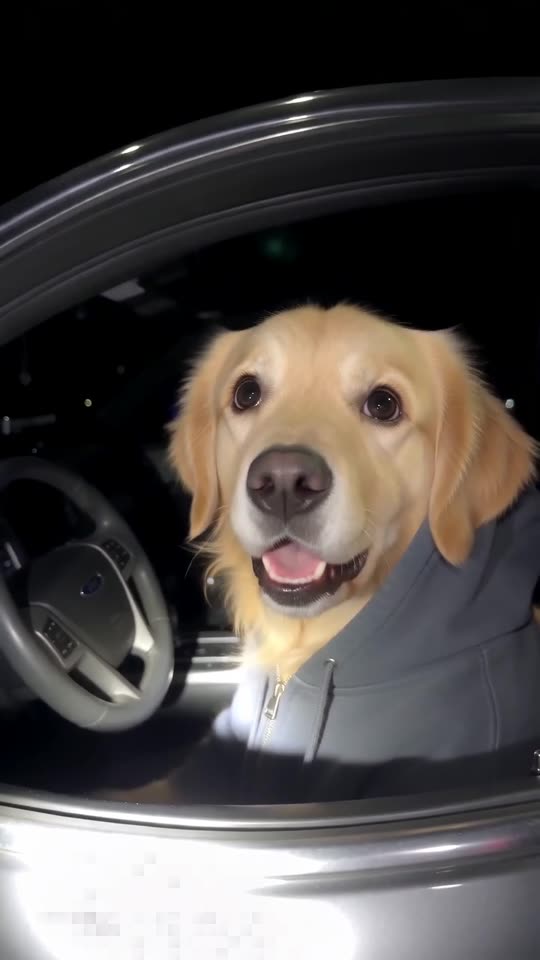
Download the silent version, open TikTok, tap Add sound and pick one of the trend's bodycam audios used on the pet clips. Start it at 0 seconds. The video follows the timing of the viral pet clips, so the innocent stare and the handover fall in the right places.
Why there is no dialogue
The words come from a real recording of real people. We do not generate or copy them, so you add the audio from TikTok, where it is already shared as a sound.
If it does not line up
- Start the sound at 0 seconds.
- Use the silent download.
- Different uploads of the audio are cut slightly differently; nudge it a few frames if needed.
How to add the original sound in TikTok
Our videos come with an AI-made original soundtrack. To use the trending sound instead, add it inside TikTok when you post. You can also download a silent version from My videos and put the original sound on that.
- Open the original video of this trend in TikTok, tap the sound name at the bottom, then tap Use this sound.
- Tap Upload and pick the video you downloaded from us.
- Open Volume and turn the video's own sound down to 0, or download the silent version from My videos.
- To line up the beat, use the scissors (trim) to start the sound from 0 seconds, then post.

Need to move where the sound starts? This short video shows how to trim it.

Video: How To Trim Sound On TikTok 2026 (Very Easy) by Software Solutions on YouTube
Questions people ask
Which sound should I use?
Any of the bodycam audios attached to the pet clips; the hoodie dog clip's sound matches our timing best.
Make your own What Stop Sign video
Upload one pet photo and try a free 5-second preview. No subscription, and the full video has no watermark.
Make my video