Explosion Walk prompt for Veo
Updated:
Short answer
Paste the prompt below into Veo with your photo as the starting image, at 9:16. Veo may add its own sound, so download without sound or mute it before adding the original audio.
Copy this prompt
Image-to-video, 9:16, about 12 seconds.
Reference image 1 is the CHARACTER. Keep their face, hair, skin tone and body shape exactly as in the image. Adult only. No sunglasses.
Clothes: exactly the clothes from the photo.
Setting: an empty two-lane highway at night, wet dark asphalt, a white centre line running straight away from the camera, a few street lamps, red-and-white reflector posts on the right.
Camera: one fixed low-angle shot from the middle of the road, close to the ground; no camera movement, no cuts.
Beat 1 (0 to 1.5 seconds): far down the road the CHARACTER crouches on the centre line and lights a long fuse with a lighter.
Beat 2 (1.5 to 4.5 seconds): the CHARACTER stands up and walks calmly toward the camera, never looking back.
Beat 3 (4.5 to 8 seconds): far behind them a huge movie-style fireball bursts across the road and turns into a wall of orange flames and smoke; the CHARACTER keeps walking without flinching.
Beat 4 (8 to 10.5 seconds): the fire dies into embers and smoke; the CHARACTER is now close, face sharp and lit by the glow.
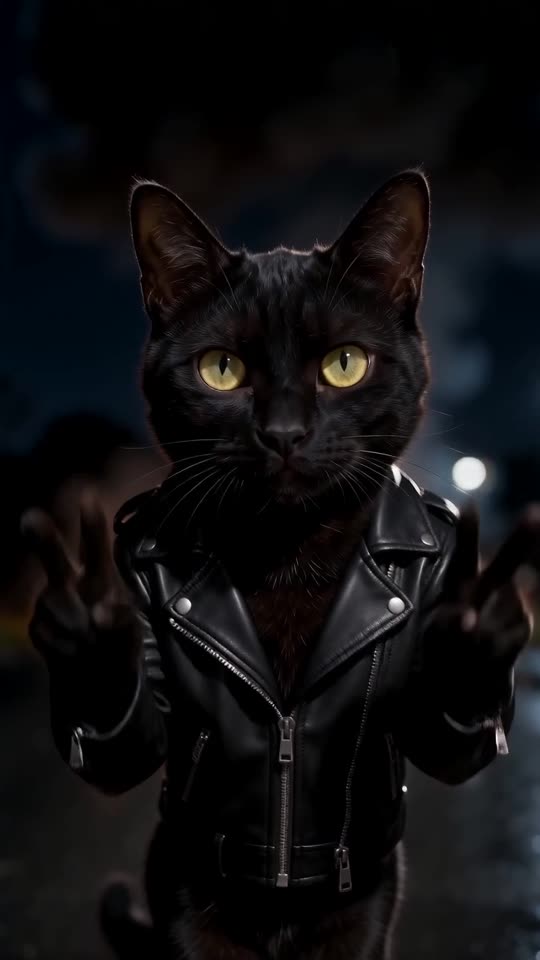
Beat 5 (10.5 to 12 seconds): the CHARACTER stops, looks into the lens with a small smile and raises both hands in peace signs.
Nobody is hurt, the blast stays far behind. Audio: deep cinematic drums, a fuse hiss, one big boom at 4.5 seconds. No voices.
Photorealistic, no text, no logos, no watermark.
Tips
- Use a bright, sharp head-and-shoulders photo.
- Keep the clip at about 12 seconds.
Questions people ask
Can Veo keep my face?
Often, if the photo is sharp and bright. The face is small at the start, so judge it at the end of the walk.
Make your own Explosion Walk video
Upload one photo and try a free 5-second preview. No subscription, and the full video has no watermark.
Make my video