Spooky Scary Skeletons prompt for Veo: a copyable vampire dance prompt
Updated:
Short answer
Copy the prompt below into Veo with your photo as the reference image. It is written as one short paragraph per part: subject, costume, scene, camera, moves and sound. It names no song, artist or person, because tools filter them. Adjust the length to what your plan allows, or use MimicZip for the finished clip.
Copy this prompt
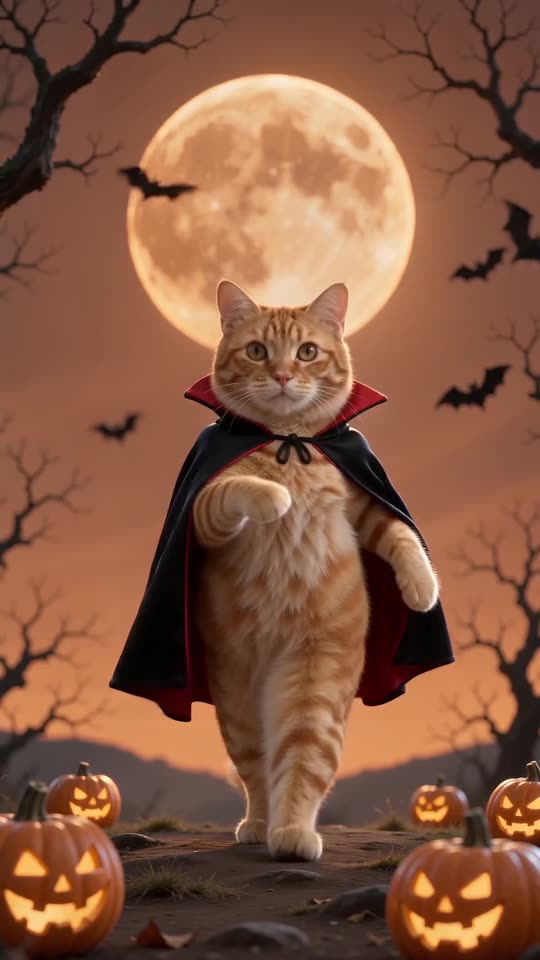
A vertical 11-second video of the person in the reference image doing a goofy Halloween dance as a vampire. Keep their face, hair, skin tone and build exactly as in the image. They wear a black suit, a white shirt and a long black high-collared cape with a bright red lining.
They stand on a Halloween hilltop at night: an orange-red sky, a huge glowing orange full moon behind them, bats fluttering, bare twisted trees and a row of glowing carved pumpkins on the ground. No text or logos.
The camera is fixed low on the ground in front of them, showing the full body the whole time, with no cuts.
The moves, in order: a hop on one foot with a knee kick and a leg swung out to the side; a bouncy half-squat with stiff skeleton elbows pumped on the beat; shoulder shimmies and hip shakes; the skeleton elbows again with a head whip; stomping steps, a knee lifted across the body and a final pose with one arm raised high and a playful grin.
Sound: a bouncy, spooky Halloween instrumental with a xylophone melody. No singing and no speech.
How to use it
- Add your photo as the reference or starting image if your Veo plan supports it.
- Keep names of songs, artists and real people out of the prompt; describe the moves instead.
- Plans and limits change often, so set the length and shape to what your plan allows.
Questions people ask
Does Veo add music?
It can generate sound from the last line, but it will not be the trending song. Add that inside TikTok or Instagram.
Will the result match the trend exactly?
Not exactly. Each tool reads the moves in its own way, and your photo changes the face and the motion.
Do I need a prompt to use this site?
No. MimicZip runs a fixed scene, so you add one photo and press the make button.
Make your own Spooky Scary Skeletons video
Upload one photo and try a free 5-second preview. No subscription, and the full video has no watermark.
Make my video