Ramalama AI vs general AI video tools: which one should I use?
Updated:
Short answer
General AI video tools give you full control: you write the prompt, pick settings and retry until the low shot and the tilt-up look right. MimicZip has the Ramalama walk, costumes and timing built in, so you upload one photo and pick options. Use a general tool for custom scenes, MimicZip for this trend.
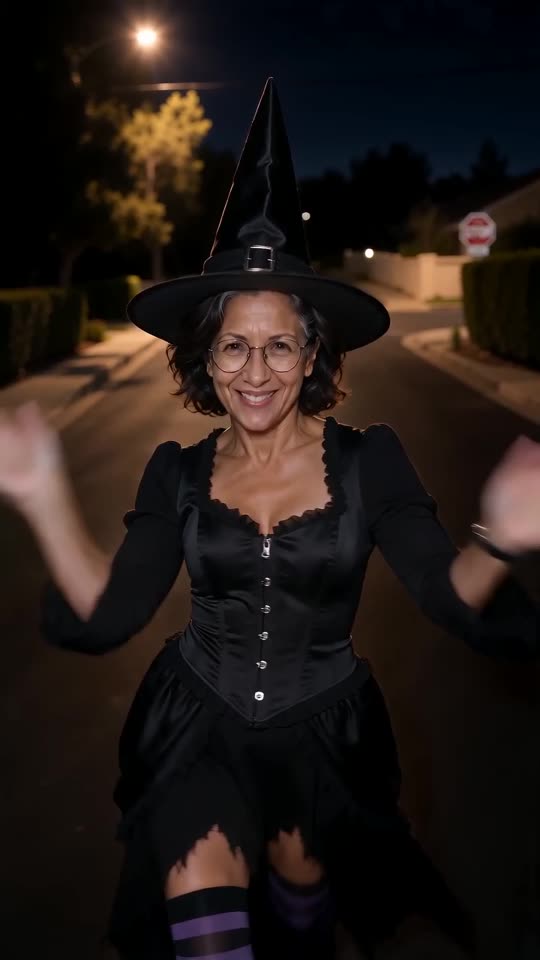
Side by side
- Input: general tools need a prompt and often several tries. MimicZip needs one photo.
- Timing: general tools rarely put the reveal on the beat. MimicZip follows the viral clip second by second.
- Control: general tools let you change anything. MimicZip offers preset costumes and places.
- Cost: general tools charge per generation or by subscription. MimicZip has a free preview and one-time packs from $9.90.
Which one to pick
If you want a costume or a scene that is not on our list, write your own prompt in a general tool; the Seedance prompt is a starting point. If you want the trend done quickly from a photo, use the generator.
Questions people ask
Which model does MimicZip use?
A current image-to-video model, guided by a fixed template and a motion reference.
Can I upload my own prompt here?
No. The template is fixed and the options are presets.
Is the result better than a general tool?
For this trend it is more consistent, because the timing and the camera move are built in.
Make your own Ramalama costume reveal
Upload one photo and watch a free 5-second preview. No subscription, and the full video has no watermark.
Make my video