Banana Tree Run AI video: why did the face change, and how do I fix it?
Updated:
Short answer
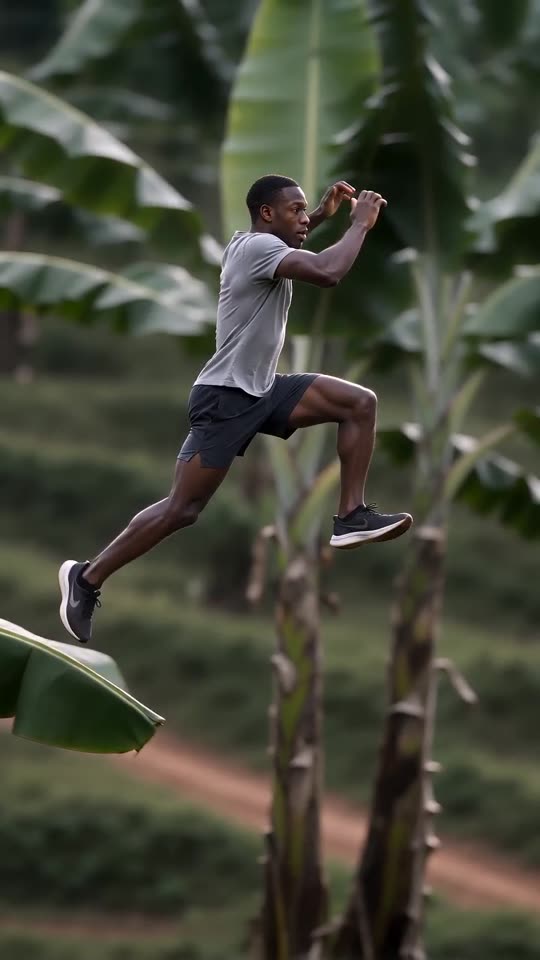
The face drifts when the photo is small, dark, filtered or turned away, because the runner is seen side-on and in motion. Use a sharp, well-lit photo with the face large and facing the camera, run the free 5-second preview, and only then make the full video.
Quick fixes
- Crop so the face is large and sharp.
- Use daylight, no sunglasses and no beauty filter.
- Pick a photo where you look at the camera.
- Use one person or pet per photo.
Why it happens
The camera tracks you from the side at full speed, so the model sees the face at an angle and in motion. A clearer input gives it more to hold on to.
Questions people ask
Is a failed video charged?
No. Failed runs return their credit automatically.
Does a full-body photo help?
Yes, for clothes and body shape. Keep the face large enough to see clearly.
Make your own Banana Tree Run video
Upload one photo and try a free 5-second preview. No subscription, and the full video has no watermark.
Make my video