Spooky Scary Skeletons AI: why does the vampire cape or costume look wrong?
Updated:
Short answer
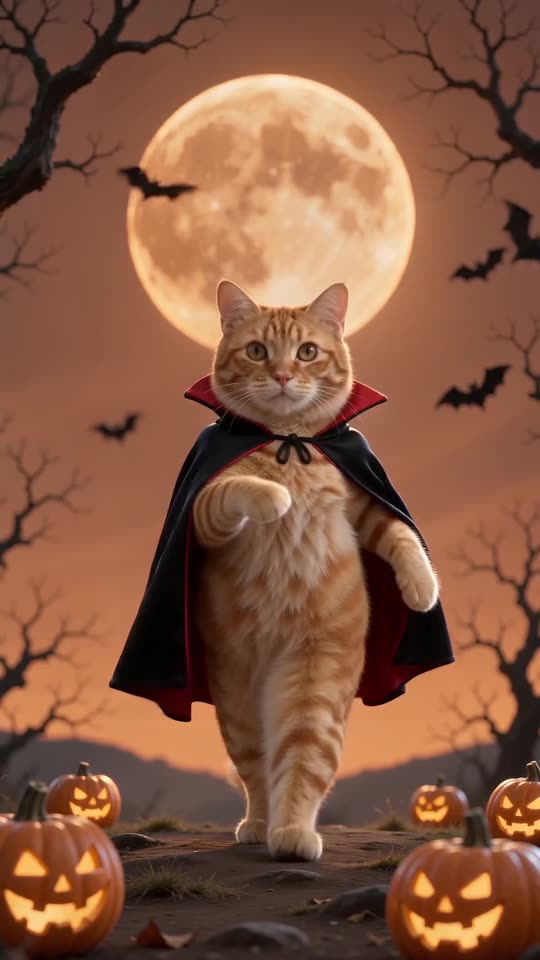
The model draws the suit and the red-lined cape over your body, so a busy outfit, a bag or a hood in your photo can leak through. Use a simple photo with empty hands and run the free 5-second preview before spending credits. Small cape and background details vary between runs.
Common causes
- Strong outfit in the photo: a bright jacket or a costume can show through the suit.
- Props in hand: phones, drinks or bags can merge with the cape.
- Cropped body: the model invents what it cannot see, so very tight crops leave it guessing.
- Pets: a small cape on an animal is harder to draw, so it may look loose or flat.
What helps
- Use a plain photo, head and shoulders or upper body, with empty hands.
- Check the costume in the free preview first.
- Remember the look is fixed: the suit, the cape, the moon and the bats stay in every place, and you can only swap the place.
Questions people ask
Can I keep my own clothes instead of the vampire suit?
No. The suit and the cape are part of this template’s fixed look, so every video uses them.
Is a video with an odd cape refunded?
Credits come back automatically only for failed renders. A finished video with an imperfect detail counts as a normal result, so test with the preview first.
Why does the background look slightly different each time?
The model draws the scene fresh on every run. The orange moon, bats and pumpkins stay, but their exact positions change.
Make your own Spooky Scary Skeletons video
Upload one photo and try a free 5-second preview. No subscription, and the full video has no watermark.
Make my video