Spooky Scary Skeletons AI: why is the dance off the beat?
Updated:
Short answer
The moves follow the timing of the viral 2026 dance clip, so they line up when the trending sound starts at 0 seconds. If they drift, you likely started the sound part-way through or picked a different remix. Trim the sound start in TikTok or your editor until the first kick lands on the beat.
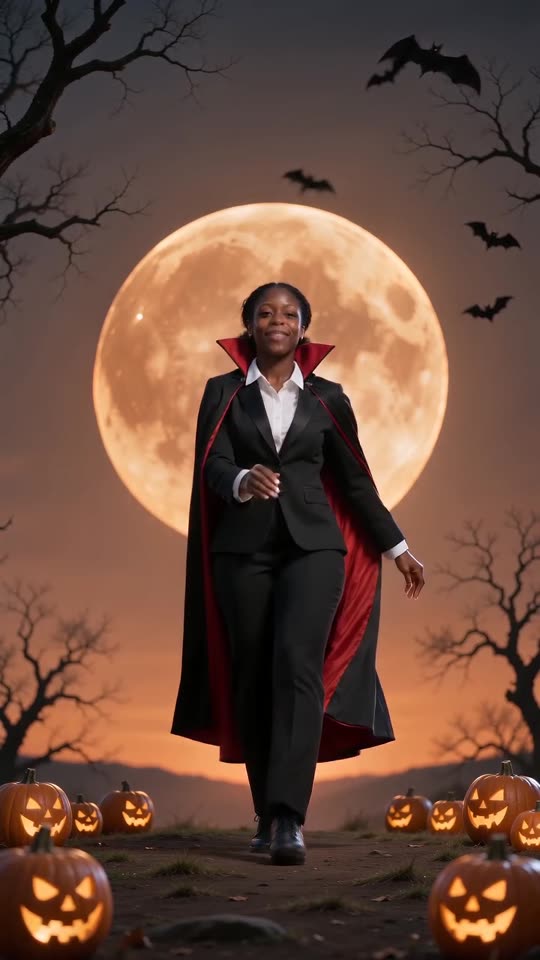
Check these first
- Sound start: set the trending sound to start at the very beginning of the clip.
- Remix: there are many remixes at different speeds. The popular sped-up one fits best.
- Silent download: use the version without sound so our beat does not clash with the song.
- Preview length: the preview is shorter than the full video, so check the timing on the full video.
Still off?
AI motion is never frame-perfect, and each run is a little different. Slide the sound a few tenths of a second in your editor; most people get it on the beat in one or two tries. The sound guide has the full steps.
Questions people ask
Does the AI video include the song?
No. It has its own spooky beat. You add the trending sound inside TikTok or Instagram.
Is an off-beat video refunded?
No. Timing differences are normal for AI video. Only failed renders are refunded automatically.
Can I change the speed of the dance?
Not on this site. You can speed up or slow down the clip in your editor if your sound is a different remix.
Make your own Spooky Scary Skeletons video
Upload one photo and try a free 5-second preview. No subscription, and the full video has no watermark.
Make my video