Ramalama AI: why does the costume look wrong?
Updated:
Short answer
The model draws the costume over your body, so a busy outfit, a bag or a hat in the photo can leak into the result, and small details like a tiara or stripes can change between frames. A plain photo and a clear costume choice usually fix it.
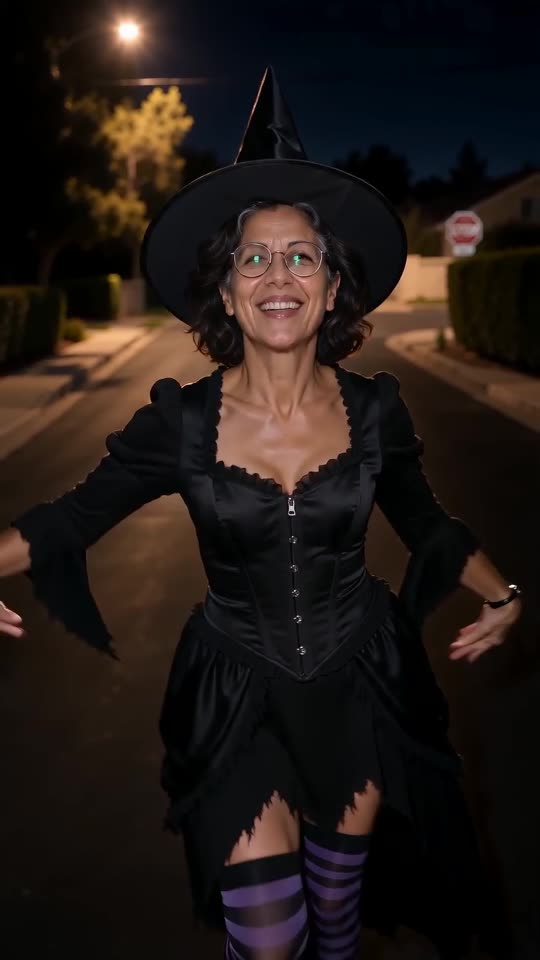
Why it happens
- Busy clothes in the photo: big logos or patterns can show through.
- Hats and bags: objects in the photo may stay in the video.
- Small details: stripes, bows and tiaras can shift a little from frame to frame.
- Own-clothes option with a portrait: the model has to guess the rest of the outfit.
What to try
Use a photo with plain clothes and nothing in your hands. For the own-clothes option, upload a full-body photo. Check the free preview before you render. The costume guide describes each look.
Questions people ask
Can I choose a different costume after rendering?
Run a new video with another costume. Each full video costs 1 credit.
Why does my pet's costume look simpler?
A small body has room for fewer details, so the model keeps the main shapes.
Can I upload a photo of me already in costume?
Yes, with the own-clothes option. It keeps the outfit from your photo.
Make your own Ramalama costume reveal
Upload one photo and watch a free 5-second preview. No subscription, and the full video has no watermark.
Make my video