Babydoll Dance AI video: the moves are off the beat, how do I fix it?
Updated:
Short answer
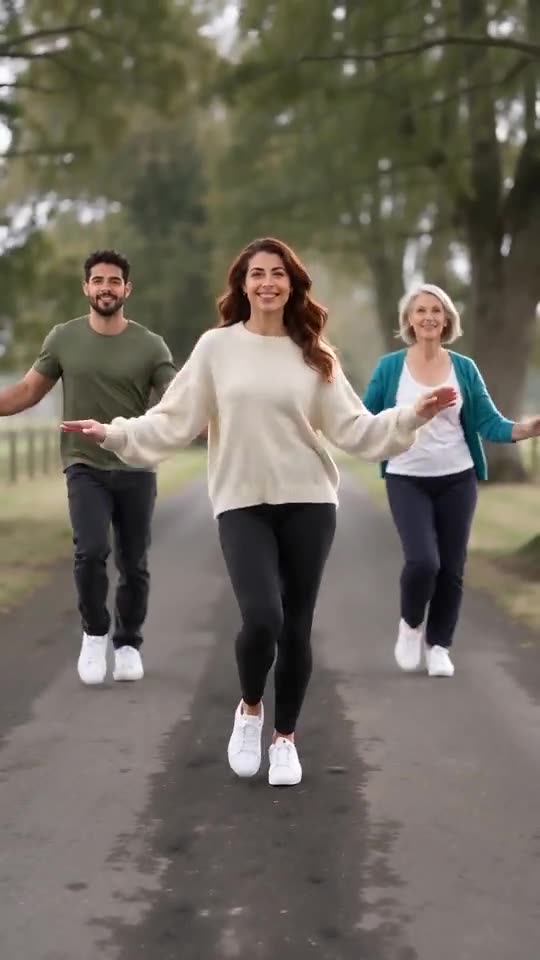
Start the sound from its very first second and trim it to the clip. Our video follows the first 15 seconds of the @gracebettyharmer clip, so use that clip’s own sound from 0 seconds. Each run is generated fresh, so a move can land a few frames early or late, and the 5-second preview never lines up.
Why it happens
- The sound starts mid-way: some apps start a sound at its catchiest part.
- A different edit: versions of the sound can differ by a second or two.
- Model variation: an AI model can start a move a little early or late.
How to fix it
In the app, drag the sound’s start to 0:00 and line up the point at the camera (about 11 to 13 seconds) with its beat. If the end still drifts, try the sound from another post or nudge it by a few frames. The sound guide explains the timing.
Questions people ask
Which part should match first?
The point at the camera, at about 11 to 13 seconds, and the jump right after it.
Can the site add the sound for me?
No. The video has its own generated sound; you add the trending sound in the app.
Is the preview timed the same way?
No. The 5-second preview squeezes the beats, so only the full video lines up with the sound.
Make your own Babydoll Dance AI video
Upload one to four photos and try a free 5-second preview. No subscription, and the full video has no watermark.
Make my video