Babydoll Dance AI video: the dancers are in the wrong places, how do I fix it?
Updated:
Short answer
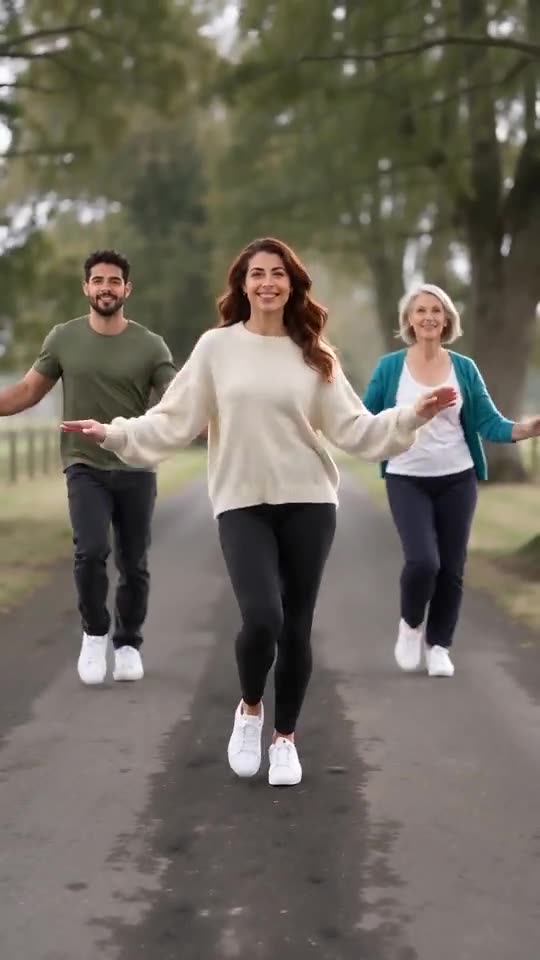
Positions follow the photo boxes: photo 1 is the lead in the middle, photo 2 stands on the lead’s left, photo 3 on the right and photo 4 at the far right. If the order is wrong, remove the photos and add them again in the right order, then run the free 5-second preview to confirm.
Why it happens
- Photos in the wrong boxes: the most common cause by far.
- Similar subjects: two dancers with similar fur or clothes are easier to mix up.
- Only two photos: the lead stands right of centre and the second person on their left.
How to fix it
Check the numbers on the boxes, put the lead dancer’s photo in box 1 and fill the other boxes in order. If dancers still blend together, pick photos with different colours. The generator shows each role name next to its box.
Questions people ask
Why is the lead not in the middle?
With two dancers there is no middle, so the lead stands right of centre. With three or four, the lead stands in the middle row, a step ahead.
Does re-adding photos cost anything?
No. Changing the photos only changes the inputs before you start a run.
Can I change positions after the video is done?
No. A finished video is fixed. To change positions, start a new run with the photos in a new order.
Make your own Babydoll Dance AI video
Upload one to four photos and try a free 5-second preview. No subscription, and the full video has no watermark.
Make my video