Which sound should I use for a Cat Middle Finger AI video?
Updated:
Short answer
There is no single trend sound. Each post uses its own, for example “original sound - Andrewdurant” on the clip we follow. Our video has only soft footsteps and the sound of the place, with no music and no voice, so download the silent version and add a sound in TikTok.
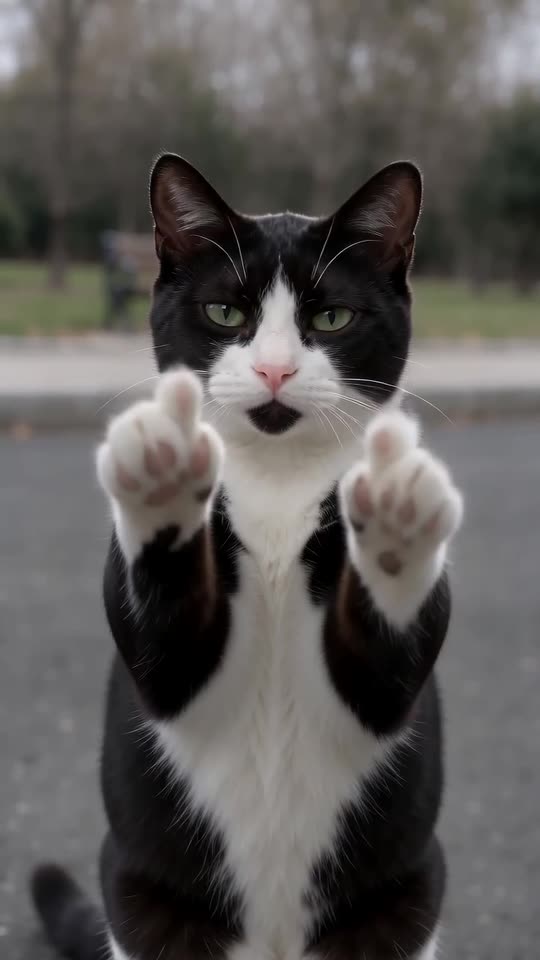
What is in our video
- Soft footsteps and a light breeze, at a low volume.
- No music, no singing and no voice.
- No cat meow: the pet stays quiet in the video.
How to add a sound
Open the post we follow in TikTok, save its sound, download the silent version of your video from My videos and add the saved sound with Add sound. Set the video’s own volume to 0 and start the sound at 0 seconds. Any other sound works too, because the trend has no fixed song.
How to add the original sound in TikTok
Our videos come with an AI-made original soundtrack. To use the trending sound instead, add it inside TikTok when you post: that also puts your video on the sound's page, where people following the trend look. You can also download a silent version from My videos and put the original sound on that.
- Open this clip in TikTok: our video follows it. Tap the sound name at the bottom, then tap Use this sound.
- Tap Upload and pick the video you downloaded from us.
- Open Volume and turn the video's own sound down to 0, or download the silent version from My videos.
- To line up the beat, use the scissors (trim) to start the sound from 0 seconds, then post.

Need to move where the sound starts? This short video shows how to trim it.

Video: How To Trim Sound On TikTok 2026 (Very Easy) by Software Solutions on YouTube
Questions people ask
Does my pet meow in the video?
No. The audio is ambience only.
Can I use any song?
You can add any sound you have the right to use in TikTok. Posts of this trend use many different sounds.
Does the preview have the same sound?
It carries the same quiet ambience, but it is watch-only and cannot be downloaded.
Make your own Cat Middle Finger video
Upload one photo and make an 8-second HD video from $8.99. No subscription, and the full video has no watermark.
Make my video