How do I make a Red Riding Hood AI video from my photo?
Updated:
Short answer
Upload one photo of yourself or your pet, pick the forest, the cloak colour and the wolves, and MimicZip builds the four shots. Check a 5-second bonus preview, then spend 1 credit on the 10-second 720p video. You write no prompt.
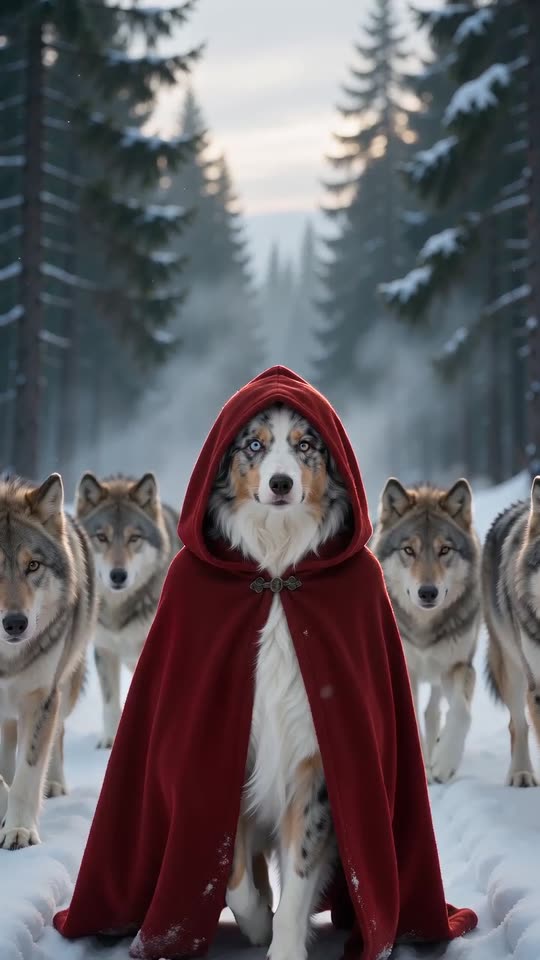
From a photo to the forest
- Open the template page. There is one box, for the one in the cloak. Use a sharp photo of one person or pet facing the camera, as JPG, PNG or WebP up to 10 MB.
- Pick the forest. A snowy pine forest is the default; an autumn forest, a misty forest, a moonlit night, a mountain trail and a birch forest are the others.
- Pick the cloak and the wolves, then 9:16 for TikTok, Reels and Shorts, or 16:9 for YouTube and desktop screens.
- Consent, login, pack. Tick the photo-consent box and sign in with Google. Previews come inside a pack.
- Check the preview for your face and the cloak, then render: 1 credit gives the 10-second 720p MP4, saved in My videos.
What the options decide
The tracking shot and the four beats never change. The forest changes the scenery and the light, the cloak changes its colour, and the wolves change the size, the colour and the number of the pack.
After rendering
Download the MP4 or copy a share link from My videos. The clip has fairy-tale music of its own and no song; the sound guide says how to add a sound.
Questions people ask
Do I need to write a prompt?
No. The four shots are already written. You add a photo and pick options.
Do I need a red cloak in my photo?
No. The cloak is added by the video.
Can I close the page while it renders?
Yes. Rendering carries on at our end, and the finished video is saved in My videos.
Make your own Red Riding Hood video
Upload one photo and make a 10-second HD video from $8.99. No subscription, and the full video has no watermark.
Make my video