Nestle Crunch AI Ad not working? Fixes for common problems and a free redo
Updated:
Short answer
A failed Nestle Crunch AI Ad render is refunded automatically, but a finished take is not redone for free: a new run costs 1 credit, even with the same photo. At 6 seconds the take is cheap to retry, so check the bite and the wrapper in a 5-second bonus preview first; every pack includes some.
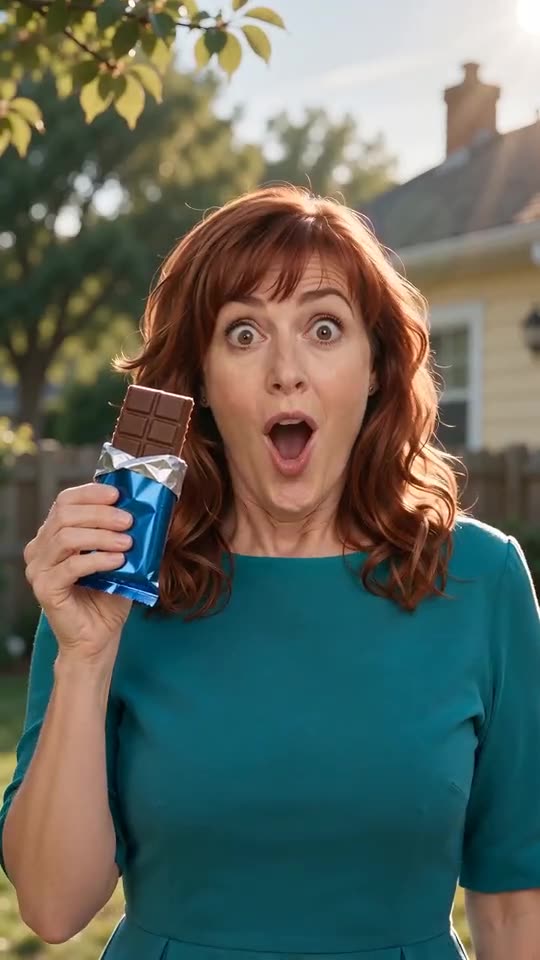
Refunded, and not refunded
- Refunded automatically: a render that fails, or a photo the model refuses.
- Not refunded: a finished take where the bite is soft, the chew looks odd or the wrapper shows invented letters. The model invents every frame, so this is a result, not a failed render.
- A new run: another snack, era or photo costs 1 credit.
- Unused packs: refundable within 7 days, see the refund policy.
Check this in the preview
With the $8.99 pack you have 1, with $16.99 you have 3 and with $25.99 you have 5. Look at the face first (face guide), then at the wrapper (wrapper guide). The preview runs the beats faster, so leave the timing for the full video.
To ask for a refund on an unused pack within 7 days, email support@mimiczip.com.
Nestle Crunch AI Ad video: why did the face change, and how do I fix it?
The face drifts when the photo is small, dark or turned away, or shows two faces. Here the face is large and busy: the mouth opens for a bite, the eyes close to chew and the head turns, so every blemish shows. Use a sharp, well-lit, front-facing photo and check a 5-second bonus preview first.
Quick fixes
- Crop so the face is large and sharp, with both eyes open.
- Use daylight, no sunglasses and no filter.
- Use one adult or one pet per photo.
- For a pet, pick a photo where the markings on the face are easy to see.
Why it happens
A bite hides the lower face for a second and a chew changes its shape, so the model has to rebuild the mouth. A clear mouth and chin in the starting photo give it more to hold on to.
Nestle Crunch AI Ad video: letters appear on the wrapper, how do I fix it?
Video models tend to add made-up lettering to any wrapper, even when the prompt asks for a blank one. If invented words appear on the foil, check a 5-second bonus preview, pick a snack that needs no packaging such as ice cream, a donut or a cupcake, and avoid a starting photo that already shows a printed packet.
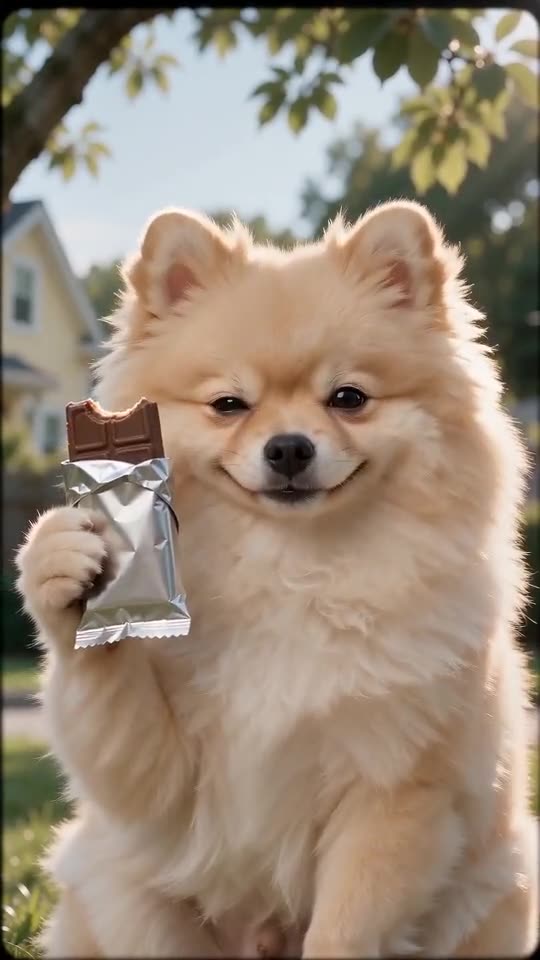
What helps
- A snack without a wrapper: the ice-cream cone, the donut, the burger and the cupcake have no foil to letter.
- A clean starting photo: empty hands and no shirt print, so nothing in the picture suggests a label.
- A short preview check: look at the first second, where the wrapper is most visible.
- A different era: the 50s black-and-white look makes small lettering harder to read.
Why it happens
In the training data almost every chocolate wrapper carries a name, so the model fills the foil with letters on its own. Our prompt asks for plain, blank foil, but the model can still ignore it for a few frames. The names it draws are invented, and we cannot remove them from a finished video.
Questions people ask
Is a failed video charged?
No. The credit is reserved when the run starts and returned if it fails. Failed runs return their credit automatically.
How do I avoid paying twice for a bad result?
Run a bonus preview first with a sharp, front-facing photo. Only then spend the credit on the full 6 seconds.
Can I get my money back instead?
Only for packs you have not used, within 7 days of buying. Credits that already produced a video stay spent.
Does the era option change the face?
No. It changes the colour and the film look only.
Will it ever show the real brand?
The prompt never names a brand, so a real logo is very unlikely; the lettering that shows up is made up by the model.
Is invented lettering a failed video?
No. A finished clip with lettering is a result, not a failed render, and is not redone for free.
Make your own Nestle Crunch AI Ad video
Upload one photo and make a 6-second HD video from $8.99. No subscription, and the full video has no watermark.
Make my video