Oh You Can Make It Cap: price, photos, free options and FAQ
Updated:
Short answer
No subscription. Oh You Can Make It Cap is sold in packs: $8.99 for 1 video, $16.99 for 3, $25.99 for 5. Each video is 1 credit, a 14-second 720p clip of one person laughing and one spinning, without a watermark. Credits never expire, and every pack includes watch-only previews.
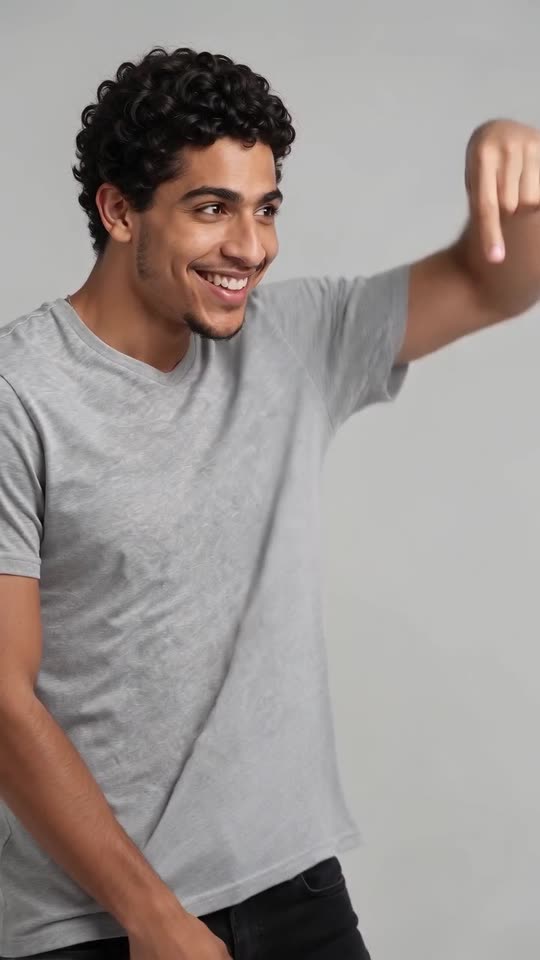
What 1 credit means for the laugh and spin
- The whole cut sequence: the ask, the spin with the bag, the laughing fit and the last gestures, 14 seconds at 720p.
- Two adults, one price: two different photos or one photo twice cost the same single credit.
- Per clip: about $8.99, $5.66 or $5.20, depending on the pack.
- Bag, outfit and backdrop: six bags, six outfits and six studio backdrops, with no change in price.
What a bigger pack allows
With 3 or 5 videos, one couple can run the red handbag first, then the little gold bag, then the puppy, and see which spin looks best. Credits are shared by every template on MimicZip, so they can also go to another trend.
Previews, refunds and renewals
Previews come in the pack, they are not free: 1 with the $8.99 pack, 3 with $16.99 and 5 with $25.99. A failed generation gives its credit back automatically. Packs you have not used can be refunded for 7 days under the refund policy; credits spent on a finished clip stay spent. Nothing renews.
Is there a free Oh You Can Make It Cap AI video generator?
No. There is no free Oh You Can Make It Cap generator and no free preview on MimicZip. One finished 14-second 720p laugh-and-spin clip from two adult photos costs 1 credit, and packs start at $8.99. Every pack includes watch-only previews for testing both faces. No subscription.
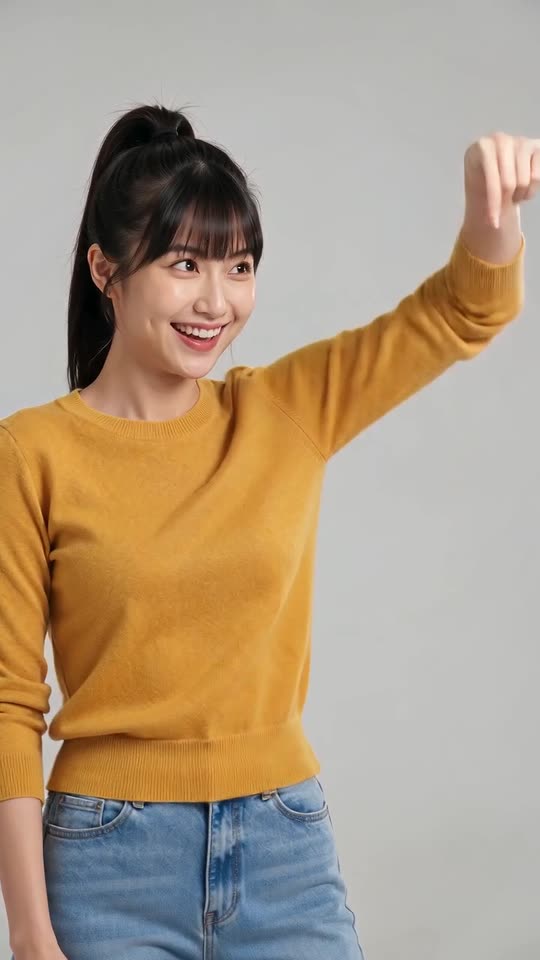
Free ways to get the laugh and the spin
Several AI sites now have a template for this format, and template apps such as CapCut often carry trends like this one; each has its own plan, which we have not checked today. The sound itself comes from a 2024 dating-show clip that you add in TikTok at no cost. Filming it with a friend and a handbag in front of a white wall is free too.
What those routes skip is the editing rhythm. The viral AI clip is nine quick cuts: the first person circles a finger to ask for a turn (0 to 2 seconds), the second twirls with the bag (2 to 3), then the laughing fit cuts back and forth until the last gestures at 10 to 14 seconds. MimicZip builds that cut pattern from your two photos on a generated white studio.
What one Oh You Can Make It Cap run takes
- Two photos of adults: the one who laughs and the one who spins, each ideally waist-up or more. The same photo twice makes a clone of yourself. Pets are not accepted here.
- Free choices: 9:16 or 16:9, one of six bags (red handbag, little gold bag, shopping bag, puppy and more), one of six outfits (your own, white tee with blue dress, all black, party and more) and a studio backdrop colour.
- Price: 1 credit for 14 seconds at 720p, no watermark. $8.99 buys 1 video, $16.99 buys 3, $25.99 buys 5.
- Previews: 1 with $8.99, 3 with $16.99 and 5 with $25.99; 5 seconds at 480p, PREVIEW badge, no download.
Why the generator is paid
Every render runs on a paid AI video model. A failed run returns its credit by itself, credits never expire, nothing renews, and an unused pack can be refunded within 7 days. MimicZip is independent and not affiliated with the dating show, the people in it, the creator of the original post, TikTok or CapCut.
What photos work for an Oh You Can Make It Cap AI video?
Use two clear photos of adults, one per role: the one who laughs and the one who spins. Each shows a single person, ideally down to the waist or knees, facing the camera in good light, because both are shot close up. Files must be JPG, PNG or WebP, up to 10 MB, with each side between 300 and 6000 pixels. Pets are not accepted.
File rules
- JPG, PNG or WebP, up to 10 MB each.
- Each side between 300 and 6000 pixels.
- Width-to-height ratio between 0.4 and 2.5.
- Both photos are required.
What makes a good photo
- One adult per photo, facing the camera.
- Good light and a sharp face; no sunglasses or masks.
- Waist up or more helps, because the shots are close and the second person turns around.
- Two different people are easier to tell apart than two lookalikes, or use the same photo twice for a clone.
Who you may upload
Only adults who agreed. This template does not take pets, toys or drawings, and it never takes children, celebrities or famous characters. See the photo consent rules and the acceptable use policy.
Which photo goes where
The first box is the one who laughs: they ask for the turn and crack up. The second box is the one who spins: they hold the bag and twirl. The Swap photos button trades them.
Who can be in an Oh You Can Make It Cap AI video: friends, couples or a clone?
Any pair of adults works: two friends, a couple, two coworkers, or one person twice. Add the same photo to both boxes and you get two identical copies of that person, like twins, one laughing and one spinning. Everyone shown must be an adult who agreed. Pets are not accepted.
Pairs that work
- Friends: two adults, one photo each, with their OK.
- Couples: you and your partner, one laughing and one spinning.
- Coworkers or classmates: two adults who agreed.
- A clone of yourself: the same photo in both boxes.
How the clone works
When both boxes hold the same photo, MimicZip tells the model to draw that person twice, as two identical copies. Two different photos of you look a little more natural, but the clone is the quickest way to make the trend alone.
Can I change the bag or the outfit in Oh You Can Make It Cap?
Yes, from presets. Bags: a red handbag (the default, like the original), a little gold bag, a shopping bag, a small puppy, a canvas tote or a pink mini backpack. Outfits: the clothes from your photos (the default), white tee and blue dress, all black, party outfits, cream knits or denim jackets. Studio backdrop: light grey-white (the default, like the original), soft pink, sage green, warm beige, sky blue or lavender. The cuts and the timing stay the same, and the options do not change the price.
Bags
- Red handbag (default): the small red bag from the viral clip.
- Little gold bag: a tiny shiny evening bag.
- Shopping bag: a big plain paper bag.
- Small puppy: a fluffy white puppy in the crook of an arm.
- Canvas tote: a big cream bag with two long straps.
- Pink mini backpack: a small pastel backpack worn on one shoulder.
Outfits
- My own clothes (default): what you wear in your photos.
- White tee and blue dress: the look of the viral clip.
- All black or party outfits: a sharper or louder look.
- Cream knits or denim jackets: a cosy or a casual look.
What stays fixed
The plain studio, the nine cuts and the timing stay the same. The backdrop colour is a third choice: light grey-white (the default), soft pink, sage green, warm beige, sky blue or lavender, always plain and seamless. Presets only: there is no free-text prompt.
Questions people ask
Can I use the same credits on other templates?
Yes. Credits work on every template on MimicZip, not just this one.
Who processes the payment?
Waffo, our merchant of record. Its name may appear on your statement.
Is there a cheaper short version?
Only the bonus preview, 5 seconds and watch-only. Full clips are 14 seconds.
Does a failed video cost credits?
No. A failed generation returns its credit to your balance on its own.
Do I need a card for the free preview?
No. Logging in with Google and adding two photos asks for no card, and no free preview exists. Payment is a single step at checkout, when you choose a pack.
Is the preview the same scene?
Yes: the same white studio and the same order of cuts, but only 5 seconds at 480p, so the spin and the laughing fit come faster. Use it to check faces and roles.
Do credits expire?
No. They stay until you use them and nothing renews. With a bigger pack, the same two photos can take a different bag or outfit each time.
Can I use a group photo?
No. Each box needs one person. Crop a group photo down to one adult first.
Do the photos need a white background?
No. The studio is generated, so any background works.
How long are my photos kept?
They are stored privately and deleted automatically 14 days after upload.
Can I use my kids?
No. The site only accepts adults. Photos of minors are blocked.
Can I use my dog?
Not in this template. It takes adults only. Pet templates are listed on the home page.
Do I need my friend’s permission?
Yes. Every person shown must be an adult who agreed to be in the video.
Do the options change the price?
No. Every video costs 1 credit.
Is the default the original look?
The bag is. The clothes come from your own photos unless you choose another outfit.
Can I type my own bag?
No. Presets only, which keeps the result close to the viral clip.
Make your own Oh You Can Make It Cap AI video
Upload two photos and make a 14-second HD video from $8.99. No subscription, and the full video has no watermark.
Make my video