Oh You Can Make It Cap not working? Fixes for common problems and a free redo
Updated:
Short answer
A failed Oh You Can Make It Cap run is refunded automatically. A finished clip is not redone for free, even if the laugh came out stiff or the spin short, so check both faces in a 5-second bonus preview first; every pack includes some.
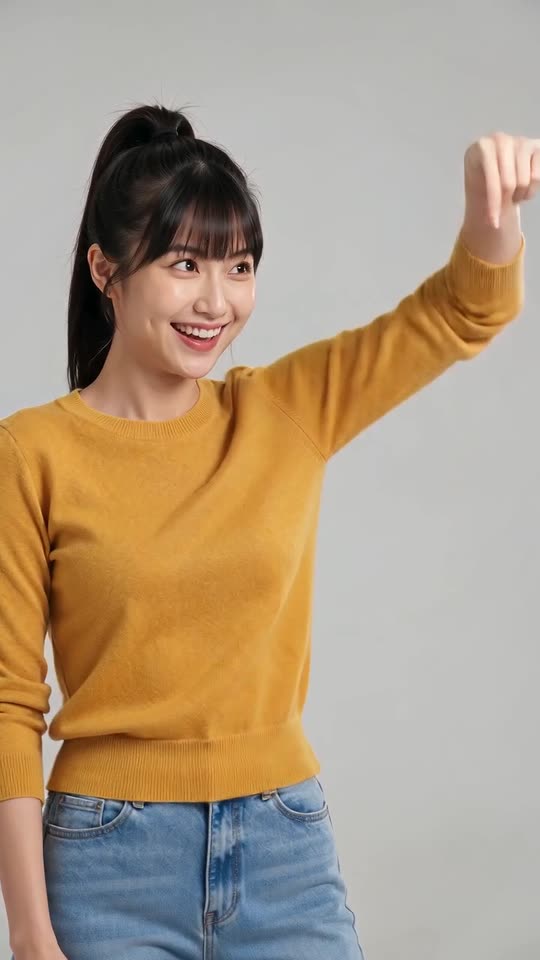
What is refunded and what is a result
- Refunded on its own: a run that ends with an error and no video.
- Not refunded: a laugh that looks stiff, a spin cut short or a gesture smaller than in the viral clip. The laugh and the spin are generated, so they vary from run to run.
- A new run: a different bag, outfit or photo costs 1 credit.
- Unused packs: refundable within 7 days, see the refund policy.
What to look for in the preview
A serious or covered face gives a stiff laugh, so pick a smiling photo with the mouth slightly open, and for the one who spins use a photo down to the waist or knees so the turn and the bag can be drawn (laugh and spin guide). Check that the first box is the one who laughs; if not, press Swap photos (roles guide). The preview is 5 seconds, so it cannot show the full laughing fit. You have 1 previews with $8.99, 3 with $16.99 and 5 with $25.99.
Oh You Can Make It Cap AI video: why did a face change, and how do I fix it?
A face drifts when the photo is small, dark, filtered or turned away, and in this clip the second person turns all the way round and both laugh hard. Use a sharp, well-lit, front-facing photo of each person, run a 5-second bonus preview, and only then make the full video. With a clone, use a sharp photo too.
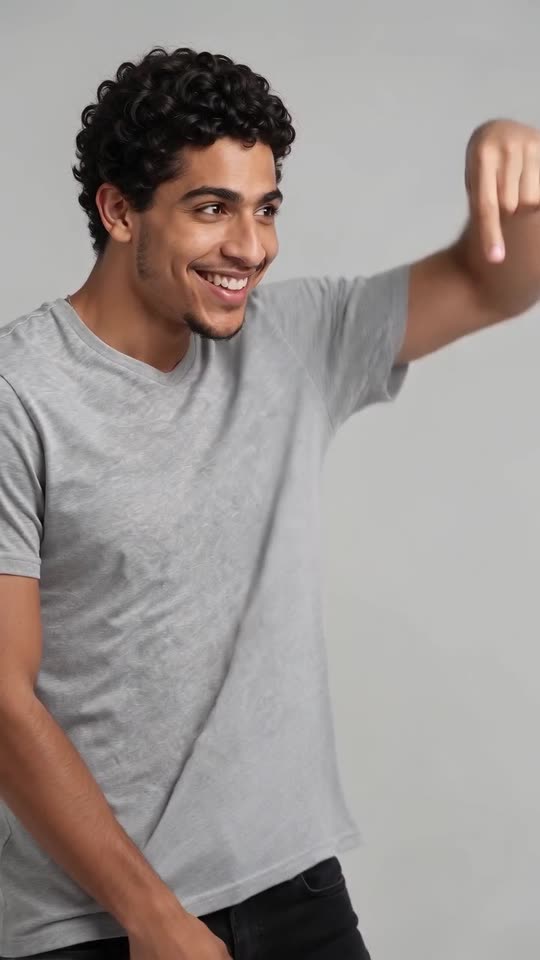
Why it happens
- Small faces: a full-body photo leaves few pixels for the face.
- Dark or blurry photos: the model guesses the details.
- Side-on angles: the model has to invent the other side of the face.
- Lookalike pairs: two similar subjects can blend.
How to fix it
Pick a front-facing photo with the face clearly visible, crop away extra background, and use two subjects that look different. The photo guide has the full list.
Oh You Can Make It Cap AI video: the two people are the wrong way round, how do I fix it?
Roles follow the photo boxes: the first box is the one who laughs, and the second is the one who spins with the bag. If they are the wrong way round, press Swap photos in the generator, then run a 5-second bonus preview to confirm.
Why it happens
- Photos in the wrong boxes: the most common cause by far.
- Similar people: two people with similar hair and clothes are easier to mix up.
- The same photo twice: with a clone, both look alike by design.
How to fix it
Check the labels above the boxes, swap the photos if needed and run the preview. If the pair still blends together, pick photos with different colours. The generator shows the role names next to each box.
Oh You Can Make It Cap AI video: the laugh is weak or the spin is missing, how do I fix it?
The laugh and the spin are generated, so they vary. A stiff face or a covered mouth in the photo makes a stiff laugh, and a cropped or side-on photo of the second person can cut the turn short. Use a smiling, front-facing photo for each person, check a 5-second bonus preview, and run again if needed.
Why it happens
- Serious or covered faces: the model starts from the expression in the photo.
- Tight crops: with no body in the photo, the turn and the bag are harder to draw.
- Model variation: a gesture can come out smaller than in the viral clip.
How to fix it
Pick a photo where the person smiles with the mouth open a little, down to the waist or knees. The bonus preview is the cheap way to check before you spend a credit.
Questions people ask
What counts as failed?
A run that ends in an error and no video. The credit returns on its own.
I don’t like how it looks. Can I get credits back?
Credits spent on a finished clip are not refunded. Check expressions and roles in the preview first, since a stiff laugh starts with the photo.
Can I run it again with new photos?
Yes. A new run costs 1 credit, with new photos or another bag.
Does the video copy the people in the original clip?
No. The scene only uses timing and motion; faces, hair and clothes come from your photos.
Will the same photos give the same result?
Not exactly. Every run differs a little, even with the same photos.
Can I redo it for free?
A failed run is refunded automatically. A finished video that rendered correctly is not redone for free; see the free redo page.
Where is the Swap photos button?
It sits in the generator under the two photo boxes and works once both photos are added.
Does swapping cost anything?
No. Swapping only changes the inputs before you start a run.
Can I change roles after the video is done?
No. A finished video is fixed. To change roles, start a new run with the photos swapped.
Can I ask for a bigger laugh?
No. This is a fixed template without a prompt box. A smiling photo is the best lever.
Does the bag change the spin?
Slightly. The red handbag is the closest to the viral clip; the puppy is the least tested option.
Is the preview the same?
It follows the same beats, only shorter and at a lower resolution.
Make your own Oh You Can Make It Cap AI video
Upload two photos and make a 14-second HD video from $8.99. No subscription, and the full video has no watermark.
Make my video