Oh You Can Make It Cap: CapCut vs AI, other tools and prompts
Updated:
Short answer
Several AI sites now have a template for this format, and template apps such as CapCut often carry trends like it, each on its own scene. MimicZip generates a new 14-second white-studio clip on the web from two photos of adults, with the ask, the spin and the laughing fit, and bonus previews in every pack.
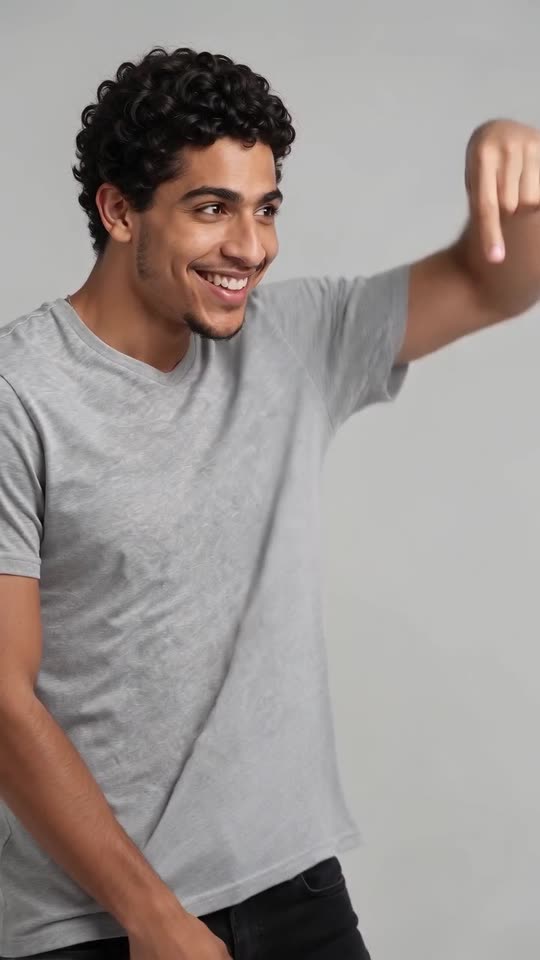
The same gag, two ways in
- Where it runs: a template lives on a site or in an app, on that tool’s own scene. MimicZip runs on the web and generates the plain white studio and the fixed camera, plus your choice of bag and outfit.
- Who is who: the two boxes are the one who laughs and the one who spins. Look at how a template assigns those two parts to your photos.
- The edit: the viral AI clip is nine quick cuts, so the rhythm matters more than any single frame. Ours follows that pattern: the ask at 0 to 2 seconds, the spin at 2 to 3, the laughing fit until about 10, then the last gestures.
- What comes back: a 14-second 720p clip with no scripted dialogue and no lip-sync. You add the trending laugh sound in TikTok.
- Cost: CapCut has free and paid features, so check its current plans. Here 1 credit is one full video with no watermark, and every pack includes watch-only previews.
Picking a route
A template is the better pick if you like editing and already use the app. MimicZip is the better pick if you want yourself and a friend, or yourself twice as a clone, in the studio with nothing to film or cut. You can also generate here and finish the clip in CapCut.
Oh You Can Make It Cap AI vs general AI video tools: which one should I use?
General AI video tools give full control, but two people, quick cuts between them, a spin with a bag and a laughing fit have to be described and paced by text. MimicZip does one job: two photos become the Oh You Can Make It Cap clip, with bonus previews and no prompt.
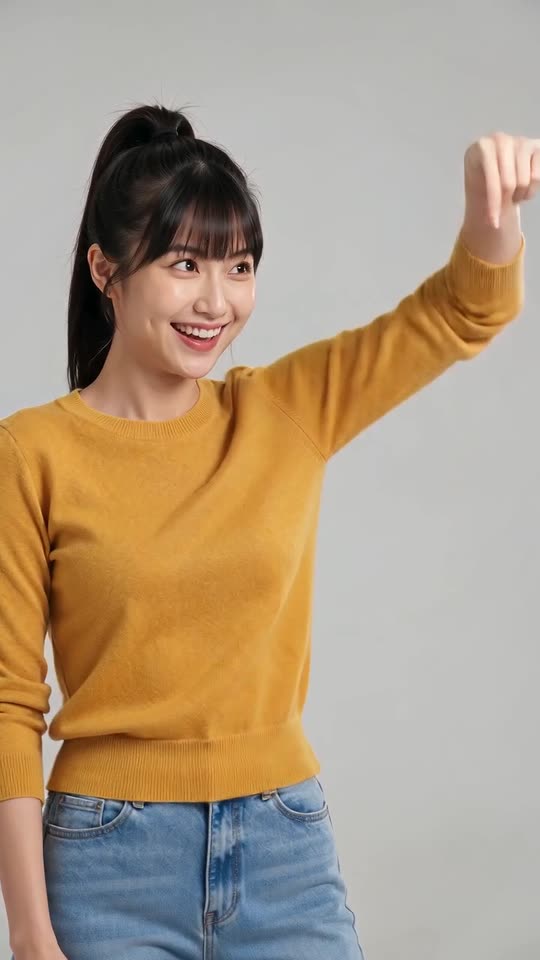
Where a prompt loses the rhythm
- What you type: a general tool wants a prompt and settings. MimicZip has no prompt box; you add two photos and choose the bag, the outfit and the shape.
- Cutting back and forth: this gag lives on nine quick cuts between the laugher and the spinner. A text prompt can ask for cuts, but the pace tends to drift. Our scene fixes the pattern.
- Two faces: a general tool leaves you to keep both people apart. Here each role has a box, though two different photos work best.
- Expressions: the laugh comes from the smile in your photo, so choose a smiling front-facing shot; there is no way to ask for a bigger laugh in a fixed template.
- Cost: general tools run on their own plans. MimicZip has packs from $8.99, 1 credit per full clip and previews in each pack.
When a general tool is better
Use a general tool for your own story or full camera control. Use MimicZip when you want this exact gag from two photos, fast. If you would rather write the prompt, see the guides for Kling, Veo and Seedance.
Oh You Can Make It Cap prompt for Kling: a copyable prompt without names
Copy the prompt below into Kling and attach two photos of adults. It covers the ask, the spin with the bag and the laughing fit, cutting between the two people, and asks for light music with no words, so you can add the sound later. It names no person, show, song or account. Expect a few tries, or use MimicZip.
Copy this prompt
Image-to-video, 9:16, about 14 seconds.
Reference image 1 is person A, the one who laughs, and reference image 2 is person B, the one who spins; both are adults (they can be the same person). Keep each one's face, hair, skin tone, body shape and clothes as in their image; never swap or merge them.
Scene: a plain, seamless, light grey-white photo studio. Only one person is in each shot. No readable text or logos.
Camera: one fixed, static, chest-height waist-up shot, cutting back and forth between A and B in nine quick shots.
Shot 1 (0 to 2 seconds): A grins and circles a pointing finger in the air, asking B to turn around.
Shot 2 (2 to 3 seconds): B, carrying a small red handbag, does a graceful full turn and flicks their hair.
Shot 3 (3 to 5 seconds): A bursts out laughing and bites a fist.
Shot 4 (5 to 6 seconds): B looks back over the shoulder and laughs.
Shot 5 (6 to 8.5 seconds): A covers the mouth and folds over laughing.
Shot 6 (8.5 to 10 seconds): B stands with the bag and smiles, a little puzzled.
Shot 7 (10 to 11.5 seconds): A gestures with a hand as if explaining, still laughing.
Shot 8 (11.5 to 12.5 seconds): B glances aside and smiles.
Shot 9 (12.5 to 14 seconds): A finishes with a last laugh and an open-hand gesture.
No speech and no lip-syncing. Audio: light playful instrumental music, with natural laughter only and no words.
Photorealistic, natural colour, no text, no subtitles, no logos, no watermark.
How to use it
- Attach the photo of the one who laughs as image 1 and the photo of the one who spins as image 2, and use adults only.
- Do not add a song, show or account name; tools tend to filter them.
- Plans and limits change often, so set the length your plan allows.
Oh You Can Make It Cap prompt for Veo: a copyable prompt without names
Copy the prompt below into Veo and attach two photos of adults. It covers the ask, the spin with the bag and the laughing fit, cutting between the two people, and asks for light music with no words, so you can add the sound later. It names no person, show, song or account. Expect a few tries, or use MimicZip.
Copy this prompt
A fixed-camera comedy video in a plain light grey-white photo studio, 9:16, about 14 seconds, cutting back and forth between two adults, one per shot: person A (reference image 1) and person B (reference image 2), keeping their faces, hair and clothes. A grins and circles a finger in the air to ask B to turn around; B, carrying a small red handbag, does a graceful full turn and flicks their hair; A bursts out laughing and bites a fist; B looks back over the shoulder and laughs; A covers the mouth and folds over laughing; B stands with the bag looking puzzled and smiling; A gestures as if explaining, still laughing; B glances aside and smiles; A ends with a last laugh. Waist-up shots, static chest-height camera, no speech, no lip-syncing. Sound: light instrumental music with natural laughter, no words. No text, no logos.
How to use it
- Attach the photo of the one who laughs as image 1 and the photo of the one who spins as image 2, and use adults only.
- Do not add a song, show or account name; tools tend to filter them.
- Plans and limits change often, so set the length your plan allows.
Oh You Can Make It Cap prompt for Seedance: a copyable prompt without names
Copy the prompt below into Seedance and attach two photos of adults. It covers the ask, the spin with the bag and the laughing fit, cutting between the two people, and asks for light music with no words, so you can add the sound later. It names no person, show, song or account. Expect a few tries, or use MimicZip.
Copy this prompt
[0-2s] Fixed chest-height camera in a plain grey-white studio, person A (reference image 1) grins and circles a pointing finger, asking person B to turn around.
[2-3s] Cut to B (reference image 2) with a small red handbag: a graceful full turn, hair flick, proud smile.
[3-5s] A bites a fist and bursts out laughing.
[5-6s] B looks back over the shoulder, laughing.
[6-8.5s] A covers the mouth and folds over laughing.
[8.5-10s] B stands holding the bag, puzzled smile.
[10-11.5s] A gestures as if explaining, still laughing.
[11.5-12.5s] B glances aside and smiles.
[12.5-14s] A last laugh and an open-hand gesture.
Keep each person's face, hair and clothes from their image; never swap or merge them. Only one person per shot, static shot, no speech, no lip-syncing. No readable text or logos.
Sound: light instrumental music, natural laughter, no words. No text, no logos, no watermark.
How to use it
- Attach the photo of the one who laughs as image 1 and the photo of the one who spins as image 2, and use adults only.
- Do not add a song, show or account name; tools tend to filter them.
- Plans and limits change often, so set the length your plan allows.
Questions people ask
Is Oh You Can Make It Cap AI made by CapCut or TikTok?
No. MimicZip is an independent tool, not linked to CapCut, TikTok, the dating show or the people who posted the trend.
Can I use both?
Yes. Download the MP4, open it in CapCut and trim it, add text or mix in the trending sound.
Which one is cheaper?
It depends on what you have. If you can film the scene with a friend and a handbag and own the app, a template costs little. With only photos, MimicZip starts at $8.99 and includes bonus previews with every pack.
Which model does MimicZip use?
Seedance 2.0 Mini through an API. The site is independent and not affiliated with ByteDance.
Can I change the scene here?
Only the bag, the outfit and the studio colour. The studio layout and the cuts are fixed so the result matches the trend.
Is the result better than a general tool?
Not always. A general tool can do more, but for this one trend MimicZip is faster and the cuts follow the viral clip.
Will it match the trending sound?
Not exactly. A text prompt cannot hit the cuts second by second. MimicZip uses a timed template for that.
Can I use the same photo twice?
Yes. Attach it as both images and add a line saying the two people are identical copies, like twins.
Do I need a prompt to use this site?
No. MimicZip runs a fixed scene, so you add two photos and press the make button.
Can Veo keep two faces?
It depends on the plan and the number of reference images allowed. Check before you spend credits, and describe each person in a few words if only one image is allowed.
Will the result match the trend exactly?
Not exactly. Treat the prompt as a starting point. Not exactly. Faces, motion and timing change with the tool, the model version and your photos. Treat the prompt as a starting point.
Which model does this site itself use?
The videos here are generated with Seedance 2.0 Mini through an API. The page is independent, though, and not affiliated with ByteDance or the original creators.
Make your own Oh You Can Make It Cap AI video
Upload two photos and make a 14-second HD video from $8.99. No subscription, and the full video has no watermark.
Make my video